Why Feed Quality Determines Your PMax Campaign Success
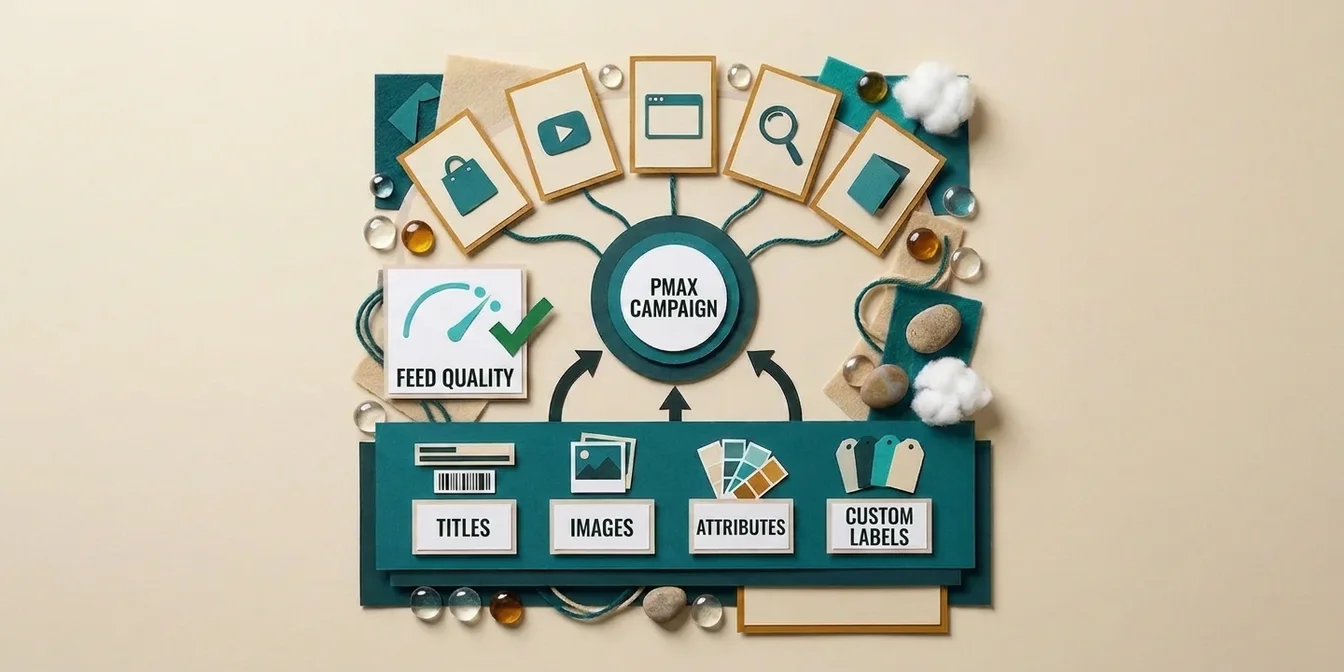
Performance Max is Google's most powerful campaign type, and the most dependent on your product data. While Standard Shopping campaigns let you manually control keywords, bids, and ad groups, PMax makes these decisions automatically. The foundation for all those decisions? The feed quality of your product data.
This means: your feed quality is the single biggest lever for PMax performance, more important than budget, bidding strategy, or asset groups. If your feed contains weak titles, missing attributes, or generic descriptions, even the best algorithm can't deliver strong results. Google's AI is only as smart as the data you feed it.
The numbers are clear: According to an analysis by SMARTER ecommerce across 4,000+ PMax campaigns, a median of 90% of campaign spend goes to feed-based Shopping ads. The rest is distributed across Display, YouTube, and Search. Your feed isn't just one channel among many, it is the channel.
How much headroom a typical feed leaves shows in our own data: of 692,200 products we scored with the FeedOptimizer.AI Quality Score (0 to 100 points) before any optimization, 87.2% score below 40, with an average of 22.9 points. As of September 17, 2026, baseline measurement across all feeds in our system, taken before we touched a single title.
How Performance Max Uses Your Feed Differently Than Standard Shopping
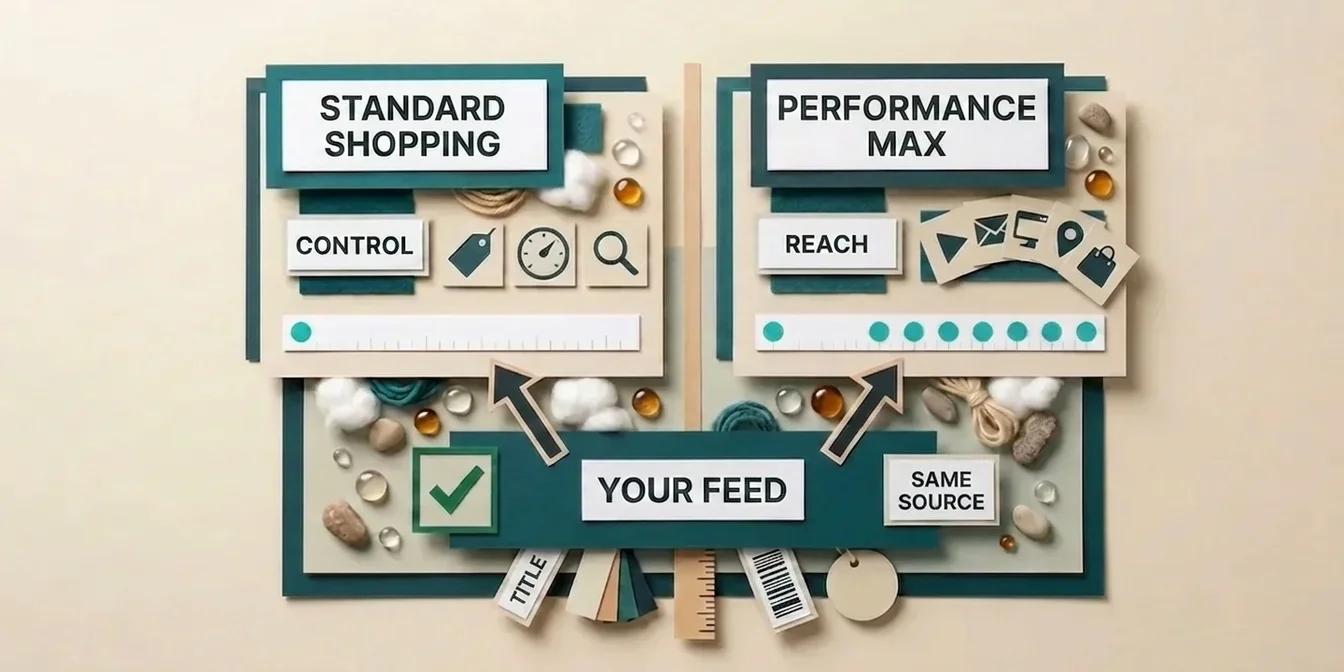
Standard Shopping shows your products based on keyword matching and manual bid adjustments. PMax goes significantly further:
| Aspect | Standard Shopping | Performance Max |
|---|---|---|
| Keyword matching | Title + description → search query | Title + description + attributes + images + context |
| Ad format | Shopping ads only | Shopping + Display + YouTube + Search + Gmail + Discover |
| Bid management | Manual or Smart Bidding | Fully automated (goal-based) |
| Audience signals | Audiences only | Audience signals + feed data + user behavior |
| Creative generation | Static (image + title) | Dynamic from feed data + assets |
PMax uses your feed data not just for Shopping ads, but automatically creates ads for all Google channels. A strong product image becomes a YouTube banner. A precise title becomes a Search headline. A detailed description provides context for Display ads.
For a look at when PMax is actually worth it over Standard Shopping and how the ROAS benchmarks for both campaign types compare, see our Performance Max vs Standard Shopping comparison.
This means: Every attribute in your feed has more touchpoints than with Standard Shopping. A weak image doesn't just hurt Shopping, it hurts Display, YouTube, and Discover simultaneously.
With Performance Max, you hand control over bids and placements to Google. The one thing you still own is the quality of your data. Raising the budget before you fix the feed just pays Google to guess.
Dennis Gerich, Founder & CEO, FeedOptimizer.AI
Knowing where your own feed stands on that scale is the starting point for everything below. The free feed check gives every product a quality score and lists the weak titles, missing attributes and generic descriptions behind it, which is exactly the material PMax builds its ads from.
The 7 Most Important Feed Attributes for Performance Max
Not all feed attributes are created equal. For PMax, there's a clear hierarchy of which data points have the greatest impact on campaign performance.
1. Product Title, The Biggest Lever
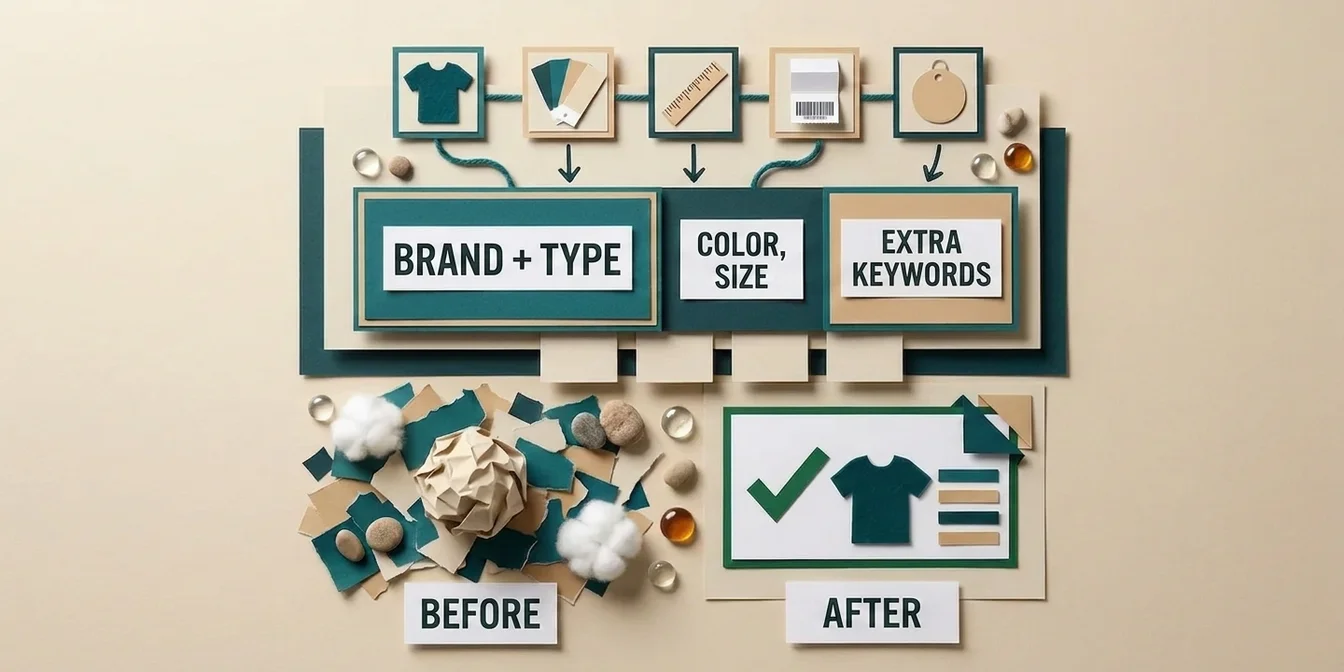
The title primarily determines which search queries your product appears for. With PMax, this matters even more than Standard Shopping because Google's algorithm also uses the title for dynamic Search ads and Display overlays.
Best practices for PMax titles:
- Brand + product type + key attribute in the first 70 characters
- Include color, size, and material when they're purchase-relevant
- Exact search query matches in the title increase CTR by up to 88% (Search Engine Land / DataFeedWatch analysis)
For a detailed guide on title optimization, see our product title optimization guide.
2. Product Images, The #1 CTR Driver
Images matter more for PMax than any other campaign type. PMax uses your product images for Shopping, Display, YouTube thumbnails, and Discover cards. In DataFeedWatch's own experiment, 82% of participants said they would be more likely to click a Shopping ad if the image showed a person with the product rather than the product alone on a white background.
Requirements for PMax images:
- Google's technical minimum is currently still 100 x 100 pixels (250 x 250 pixels for apparel) and only rises to 500 x 500 pixels for all categories on January 31, 2027. Merchant Center has shown warnings for images below that new threshold since April 14, 2026, but disapprovals only start once the 2027 change takes effect. For the best display quality across all channels, Google already recommends at least 1500 x 1500 pixels today
- White or neutral background for the main image (recommended by Google, but not a hard requirement; for apparel it's actually the opposite, Google explicitly recommends showing the item worn by a model instead of a plain product shot)
- Additional lifestyle images via
additional_image_link - No watermarks, text overlays, or badges
- WebP or JPEG, under 16 MB
You can submit real product video through the optional video_link attribute, and Google has reported technical validation errors for it since April 14, 2026. Since June 30, 2026, these videos have actually been served for PMax and checked for policy and quality compliance. Google uses this video to display your products better across additional formats, an extra lever alongside the classic image requirements.
3. Product Description, The Invisible Relevance Booster
The description isn't visible in the Shopping listing itself, but PMax uses it for query matching across all channels. An information-dense description with long-tail keywords expands the search queries your product matches.
Learn how to optimize product descriptions for Google Shopping in our dedicated guide.
4. GTIN / UPC, Essential for Accurate Matching
The GTIN (Global Trade Item Number) is especially important for PMax because Google uses it to uniquely identify your product and connect it with price comparisons, reviews, and benchmark data. Almost 6% of all submitted GTINs are invalid, according to a DataFeedWatch analysis (Feed Marketing Report), one of the most common and avoidable feed errors.
5. Price and Availability, Basic Hygiene
Inconsistencies between feed price and landing page price lead to immediate rejections with PMax. PMax reacts to price changes faster than Standard Shopping, it actively uses pricing for bid calculations and placements.
Sync price and availability on the same schedule as the rest of your feed: a single mismatched price is enough to trigger a rejection, and a stale availability status still marked "in stock" burns budget on items PMax keeps serving after they've actually sold out.
6. Product Category (google_product_category), Better Audience Targeting
Correct categorization helps PMax assign your product to the right audience segments. A wrong category means your product is shown to the wrong users, across all channels.
Always pick the deepest available level in Google's product category taxonomy, not just a top-level bucket like "Apparel & Accessories". The more precise the category, the sharper the audience signals PMax can derive from it.
7. Custom Labels, Your Strategic Control Lever
Custom labels are the only way to differentiate between product groups in PMax. They're the key to campaign structure and bid management. More on this in the next section and in our custom labels strategy guide.
Custom Labels Strategy for Performance Max
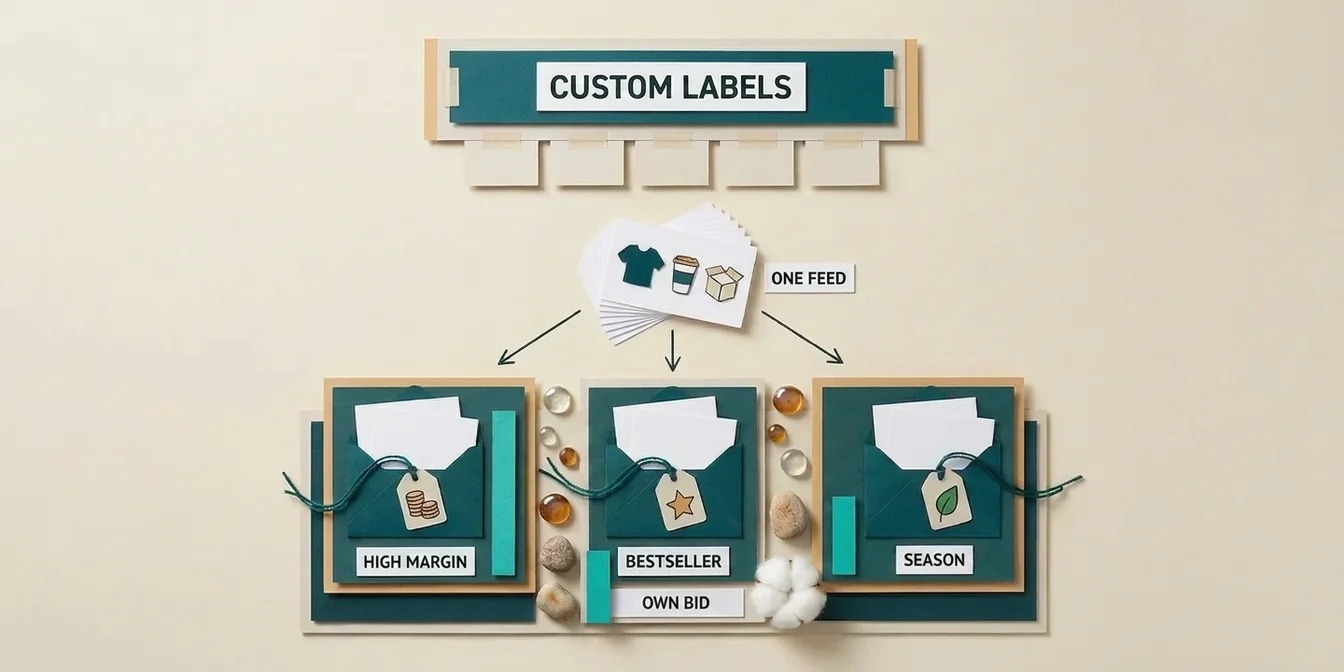
Custom labels (custom_label_0 through custom_label_4) aren't a nice-to-have for PMax, they're your most important control mechanism. Since you can't set keywords or manual bids in PMax, you control the campaign through product grouping. And that works through custom labels.
The 5 Most Important Custom Label Strategies
| Label | Strategy | Example Values | Why Important for PMax |
|---|---|---|---|
custom_label_0 | Margin | high-margin, medium-margin, low-margin | Differentiate ROAS goals per product group |
custom_label_1 | Performance | bestseller, mid-performer, long-tail | Concentrate budget on top performers |
custom_label_2 | Season | summer-2027, year-round, holiday | Seasonal bid adjustments |
custom_label_3 | Price tier | premium, mid-range, budget | Target different audiences |
custom_label_4 | Inventory | in-stock, low-stock, preorder | Prioritize low-stock products |
Campaign Structure with Custom Labels
The most common PMax structure for e-commerce:
Campaign 1, Bestsellers (high-margin + bestseller):
- ROAS target: Aggressive (300–400%)
- Budget: 50–60% of total spend
- Products: Top 20% by revenue with high margins
Campaign 2, Mid-Performers (medium-margin + mid-performer):
- ROAS target: Moderate (500–600%)
- Budget: 30–35% of total spend
- Products: Middle segment with stable revenue
Campaign 3, Long-Tail / Test (everything else):
- ROAS target: Conservative (700%+) or Maximize Conversions
- Budget: 10–15% of total spend
- Products: New products, niche items, low-stock
7 Feed Mistakes That Kill Your PMax Performance
The following mistakes cost you disproportionately with PMax, because they don't just affect one channel, they weaken your entire campaign across all Google channels.
1. Generic Titles Without Purchase-Relevant Attributes
Bad: "Men's T-Shirt Blue" Better: "Tommy Hilfiger Men's T-Shirt Regular Fit Organic Cotton Blue"
Generic titles mean less matching on long-tail search queries, and PMax thrives on long-tail.
2. Only One Product Image
PMax creates ads for Shopping, Display, YouTube, and Discover. A single image isn't enough. Provide at least 3 images: main view (white background), detail shot, and lifestyle shot.
3. Missing or Incorrect GTINs
Without a GTIN, Google can't uniquely identify your product. That means: no price comparisons, no reviews, worse matching. 7% of all products are rejected due to feed data errors (DataFeedWatch Feed Marketing Report), incorrect GTINs are one contributor, though shipping and image issues account for more rejections overall according to the report.
4. Empty Descriptions
An empty description means Google has less material for query matching. With PMax, where the algorithm makes autonomous decisions, missing signals are especially damaging. Learn more about common feed errors and how to fix them in our guide to Google Shopping feed errors.
5. No Custom Labels
Without custom labels, you can't segment your PMax campaign. That means all products get the same bid regardless of margin, performance, or seasonality. It's like driving without a steering wheel.
6. Inconsistent Prices (Feed ≠ Landing Page)
PMax checks price consistency more strictly than Standard Shopping. A mismatch leads to immediate rejection, and repeated violations trigger account-level warnings.
7. Stale Feed Data
A feed that only updates once daily will underperform in PMax. Out-of-stock products that are still being advertised waste budget and increase bounce rates. Google's official requirement is far looser than a daily cadence: a product only expires 30 days after its last feed refresh. For PMax we still recommend updating multiple times daily based on experience, because the algorithm reacts to fresh data faster than Standard Shopping.
Measuring Feed Quality: The PMax Feed Quality Score
How do you know if your feed is good enough for PMax? There's no official "Feed Quality Score" from Google, but you can systematically assess quality.
Your Feed Quality Check in 5 Steps
1. Check attribute completeness: How many of your products have all recommended attributes filled? Target: over 95%.
| Attribute | Required | Recommended for PMax |
|---|---|---|
title | Yes | Optimized (not generic) |
description | Yes | 500–1,000 characters, keyword-optimized |
image_link | Yes | 1500x1500+, white background |
additional_image_link | No | At least 2 additional images |
gtin | Recommended* | Correct EAN/UPC |
google_product_category | Recommended | Deepest level selected |
custom_label_0–4 | No | Strategically filled |
color, size, material | Category-dependent | Always fill when applicable |
product_highlight | No | 2–4 bullet points |
sale_price | No | Always set during promotions |
* Google's own guidance calls this "recommended," not a hard requirement, but omitting a GTIN the manufacturer already assigned can noticeably limit visibility. It doesn't apply to one-of-a-kind items or products without a manufacturer-assigned GTIN.
2. Rejection rate in Merchant Center: Target: less than 2%. Check under "Diagnostics" → "Item issues".
3. Spot-check title quality: Do titles contain brand, product type, and the most important attribute?
4. Spot-check image quality: Are images high-resolution, properly cropped, and without watermarks?
5. Custom label coverage: What percentage of your products have custom labels? Target: 100% for label 0 (margin) and label 1 (performance).
Measuring PMax Performance After Feed Improvements
After optimizing your feed, compare these metrics over 14–30 days:
- Impression share: Increases when more search queries are matched
- CTR: Increases with better titles and images
- Conversion rate: Increases with better audience matching through attributes
- ROAS: Combined effect of all improvements
After a comprehensive feed optimization, merchants regularly report noticeably better ROAS and lower CPA, how big the effect is depends heavily on your feed's starting point.
How FeedOptimizer.AI Improves Your PMax Feed Quality
Manually optimizing every title, rewriting descriptions, managing custom labels, and checking images, that doesn't scale with hundreds or thousands of products. That's exactly where FeedOptimizer.AI comes in.
FeedOptimizer.AI automatically optimizes your feed with AI and delivers improvements as a supplemental feed, your original feed stays untouched:
- Title optimization: AI analyzes each product and generates titles with the right keywords in the right order, based on search behavior and category best practices
- Description optimization: Unique, keyword-rich descriptions following the 3-paragraph formula instead of generic manufacturer copy-paste
- Quality Score dashboard: See at a glance which products have optimization potential and which attributes are missing
- Before/after comparison: Measure the difference in CTR and conversions after optimization
- Batch optimization: Optimize 100, 1,000, or 10,000 products in one go, not one by one
The Workflow in 3 Steps
- Connect your feed: Link your Google Merchant Center account, select your feed
- Let AI optimize: FeedOptimizer.AI analyzes and optimizes titles + descriptions
- Review and upload: Review optimized products in the Workbench, upload as supplemental feed
No manual CSV editing. No overwriting your original feed. And you can review every optimization individually before it goes live.
To see where your feed quality really stands, run the free feed check and get a grade for every product.
Frequently Asked Questions
How much does feed quality actually impact Performance Max?
Your feed quality is the single biggest lever for PMax performance. Since PMax automatically creates ads across all Google channels and bases all decisions on your product data, the feed matters more than budget, audience signals, or asset groups. Comprehensive feed optimization has a measurable effect on ROAS and CPA, how much depends on your feed's starting point.
Which feed attributes are most important for PMax?
The top 5 by impact: (1) Product title, determines query matching across all channels, (2) Product images, used for Shopping, Display, YouTube, and Discover, (3) GTIN, enables price comparisons and reviews, (4) Description, provides additional keywords for long-tail matching, (5) Custom labels, enable campaign segmentation and differentiated bid strategies.
Do I need custom labels for Performance Max?
Strongly recommended. Without custom labels, you can't meaningfully segment your PMax campaign. You can't set different ROAS targets for bestsellers vs. long-tail products or direct budget toward high-margin items. Use at least two labels: one for margin and one for performance tier.
How often should I update my feed for PMax?
Google's official requirement is an update at least once every 30 days, otherwise products expire from the feed, a daily cadence isn't a Google mandate. For PMax we still recommend updating multiple times daily based on experience. PMax reacts to feed changes faster than Standard Shopping. Out-of-stock products still being advertised waste budget and worsen campaign performance. For price changes or promotions, an immediate feed update is recommended.
Why is my PMax campaign underperforming despite a high budget?
In most cases, it's the feed. Common causes: generic titles without purchase-relevant keywords, only one product image per item, missing GTINs, empty descriptions, or no custom labels for segmentation. Before increasing budget, optimize the feed first. As a rule of thumb, at least 30 conversions per month help stabilize automated bidding, with a weak feed, you'll reach that threshold much more slowly.
Conclusion: Your Feed Is the Foundation for PMax Success
Performance Max automates a lot, but no algorithm can replace the quality of your product data. Key takeaways:
- Feed quality beats budget, an optimized feed with moderate budget outperforms a weak feed with high budget.
- Titles and images are the biggest levers, they impact all PMax channels simultaneously.
- Custom labels are mandatory, without them, you can't steer PMax.
- Regular updates, PMax needs fresh data, multiple times daily instead of just once.
- Measure and iterate, compare impression share, CTR, and ROAS before and after optimization.
Start with the top 20% of your highest-revenue products. Optimize their titles, add lifestyle images, and set custom labels for margin and performance. The difference will be visible in your PMax metrics within 14 days.