What is AI feed optimization for Google Shopping?
AI feed optimization is the use of large language models and vision AI to automatically improve product data, titles, descriptions, attributes, categories, for Google Shopping. Instead of static feed rules, the AI analyzes each product individually (product page, image, manufacturer data) and generates SERP-optimized content that matches the purchase intent of search queries.
The difference from classic feed management: a rule like "append [brand] to every title" is static and ignores product context. AI, by contrast, understands that for a "Tommy Hilfiger Men's Polo Slim Fit Organic Cotton Navy," the brand belongs up front, but the material only matters if shoppers actively search for it. The result: 29% more clicks and 25% more impressions, as furniture retailer Home24 documented in a published case study using Google FeedGen.
This guide explains what AI actually optimizes, how the underlying pipeline works, what measurable results recent studies show, and when AI makes more sense than manual optimization.
AI vs. classic feed rules: what's really different?
Both approaches have legitimate use cases, but they solve different problems. Confusing them means optimizing at the wrong layer.
| Aspect | Classic feed rules | AI feed optimization |
|---|---|---|
| Logic | Static if-then rules | LLM analyzes each product individually |
| Data sources | Feed columns only | Product URL + images + category context + market data |
| Scaling | Manual maintenance per rule | 10,000 products in a single pass |
| Category adaptation | One rule per field, applied to all products | Different strategy per category |
| Maintenance | Grows exponentially with catalog | Self-adapting |
| Strength | Bulk transformations, compliance | Content quality, long-tail matching |
Feed rules excel at deterministic transformations, currency conversion, appending units, populating required attributes. AI wins when the question is about content quality: which title structure earns the most clicks for this specific product? Which description length converts in this category?
In practice, both layers run side by side. AI generates the optimized content, feed rules enforce Merchant Center compliance.
The 6 building blocks AI optimizes in your feed
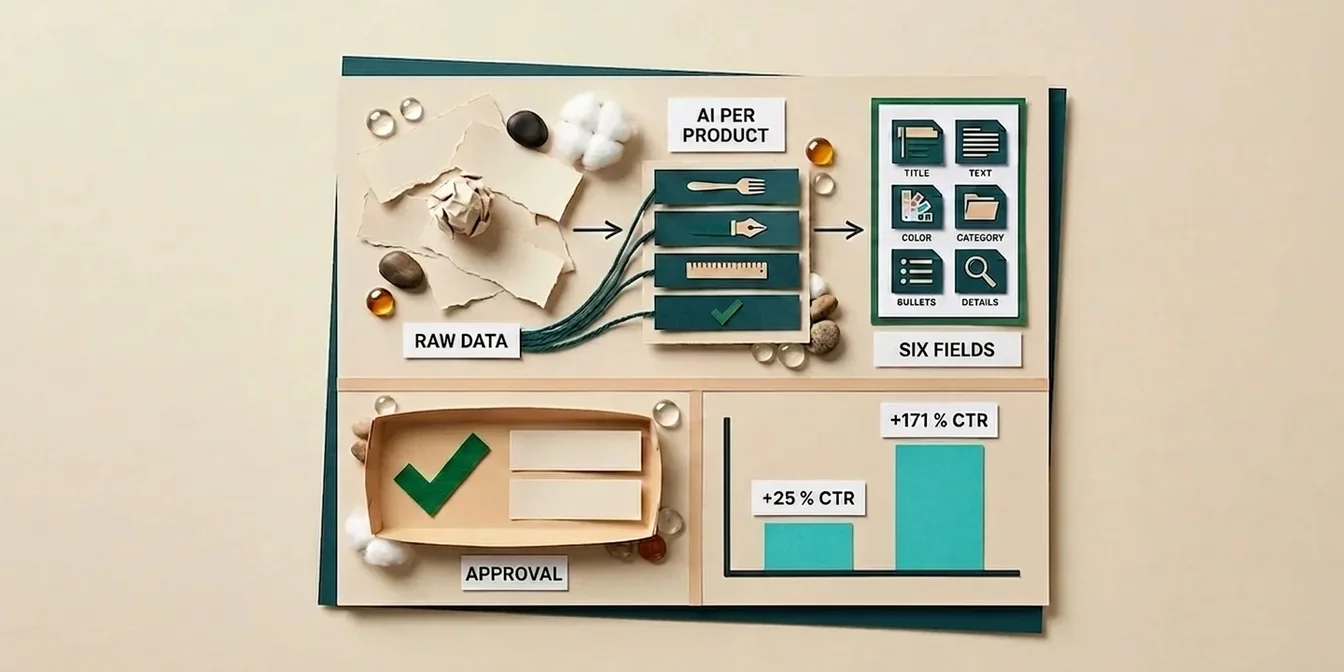
A serious AI feed optimizer doesn't just touch the title. It optimizes six data fields in parallel, each with its own strategy and its own lever.
1. Product title
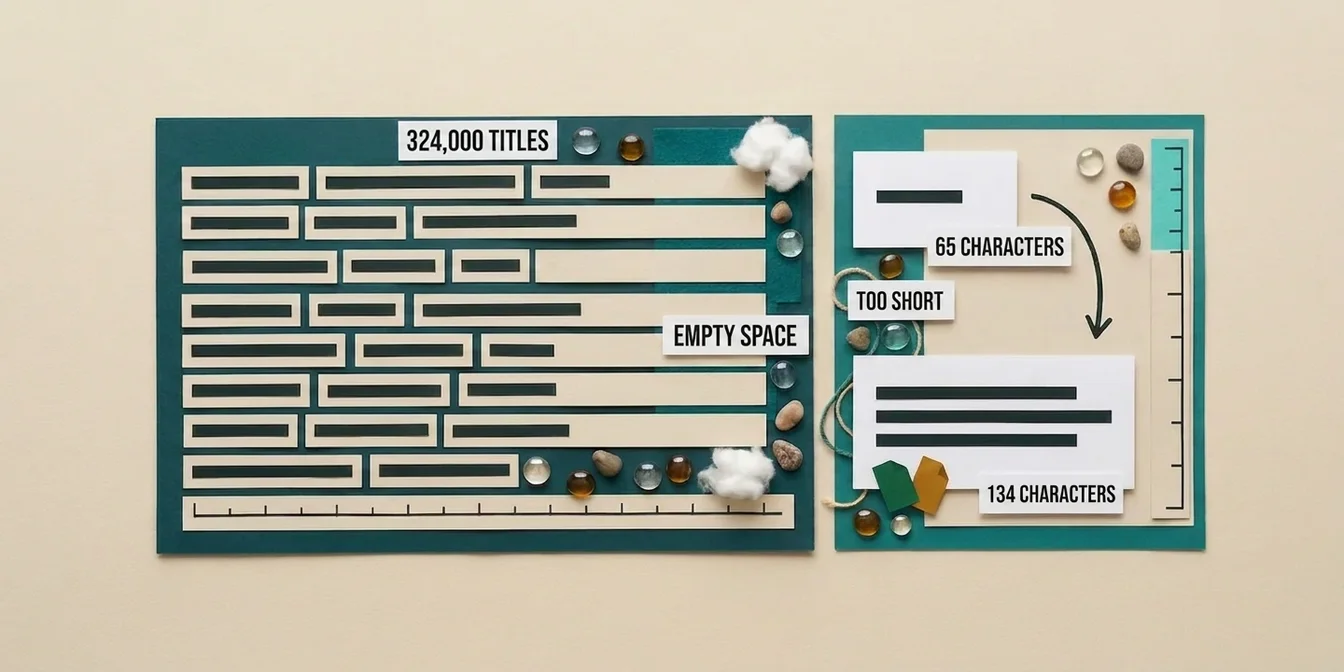
The biggest visibility asset. AI builds the title in proven order (brand → product type → primary attribute → secondary attribute) and adapts token allocation to the category. For apparel, color matters; for electronics, the model number; for grocery, package size.
Study: Keyword-optimized titles lift CTR by 18%, and exact-query matches in the title produce 88% more clicks (AIShoppingFeeds, 2025). See our product title optimization guide for the full playbook.
2. Product description
Descriptions don't appear in the standard shopping listing, but Google uses them for query matching across every shopping surface (Shopping, Display, AI Overviews). AI generates structured copy with long-tail keywords and conversion triggers, not the generic manufacturer block.
Study: An electronics retailer who rewrote 500 descriptions with AI saw 22% higher CTR and 18% better ROAS within two weeks (ALM Corp case study, 2026). For deeper best practices, see our Google Shopping product description guide.
3. Product attributes (color, material, size, gender)
Many merchants leave these fields half-empty, even though Google weighs them heavily for ranking. AI extracts missing attributes from the product URL, images, and description, then writes them into the feed in a Merchant Center-compliant format (ISO color codes, normalized material names).
4. Google Product Category (GPC)
Correct categorization decides which searches your product appears in at all. AI picks the deepest relevant category from Google's taxonomy tree, not the generic parent. A natural rubber yoga mat belongs under "Sports & Fitness > Yoga & Pilates > Yoga Mats," not just "Sports."
5. Product highlights (bullet points)
Four to five scannable bullets that show up in expanded shopping listings. AI extracts the strongest selling points and phrases them tightly, outcome-oriented. Bullet-structured descriptions drive 28% more mobile CTR in apparel (ALM Corp, 2026).
6. Product details (structured specifications)
Key-value pairs like Material: Organic Cotton, Care: Machine wash 30°C. This data feeds Google's AI Overviews and shopping comparisons. Leave it empty and you don't appear in the new AI shopping surfaces at all.
How the AI optimization pipeline actually works
Most tools advertise "AI" but ship a single-pass LLM call under the hood. Real feed optimization needs a multi-pass approach because the sub-tasks need different models and different prompts.
The typical 4-pass workflow
Pass 0, Classification: The AI reads the product URL and assigns the product to one of 12 domains (Fashion, Electronics, Auto Parts, Tools, Grocery, Beauty, Toys, Sports, etc.). Only then does it know which optimization strategy to apply.
Pass 1, Content generation: With a domain-specific prompt, the AI generates title, description, and product highlights. For apparel, focus is brand + fit + material; for electronics, model + SKU + compatibility.
Pass 2, Attributes & details: A separate pass extracts structured data (color, material, size, care instructions) and writes it to normalized fields. This pass benefits from vision models that analyze product images.
Pass 3, Quality check: A refiner pass validates outputs against brand guidelines, GMC compliance (no all-caps titles, no promotional claims), and logical consistency. Only then does data move into the supplemental feed.
Why not "one GPT call per product"?
Single-call approaches fail on two fronts: they can't differentiate between categories (an apparel strategy applied to auto parts produces junk), and they have no integrated quality check. In practice, multi-pass systems achieve 30–60% higher acceptance rates in workbench review than monolithic single calls.
Studies overview: what AI feed optimization measurably delivers
The following numbers come from publicly available studies and case studies from 2024 to 2026, plus one of our own measurements. These aren't marketing promises, they're documented outcomes.
| Study / Source | Metric | Change |
|---|---|---|
| Home24 with Google FeedGen | Clicks / Impressions | +29% / +25% |
| ALM Corp case study (Electronics, 500 SKUs) | CTR / ROAS | +22% / +18% (14 days) |
| ALM Corp (Apparel, mobile CTR) | Mobile CTR | +28% |
| AIShoppingFeeds (2025) | CTR from keyword-optimized titles | +18% |
| AIShoppingFeeds (2025) | Clicks from exact query matches in title | +88% |
| Hashmeta (2025) | Feed quality share of PMax performance variance | 60–70% |
| Ryze AI platform average | ROAS after 6 weeks | 3.8× |
| Multiple sources | Quarter-1 performance lift after rollout | +35–55% |
| FeedOptimizer.AI, own measurement (Swiss baking-supplies shop, ~4,000 products) | CTR (top products / feed-wide) | +171% / +25% |
The spread is real, apparel catalogs see different effects than electronics. What all studies share: the biggest jumps happen in the first 14 days after the initial optimization pass, followed by a stabilization phase.
Our own measurement: a Swiss online shop tripled its CTR
We don't just rely on third-party studies, we measure our own methodology against real customer data. A Swiss online shop for baking supplies and cake decoration (around 4,000 products) optimized its entire feed with FeedOptimizer.AI. Measured cleanly before and after upload:
- +171% CTR on the significance-tested products, for the products that passed our strict significance test (two-proportion z-test), click-through rate rose from 1.2% to 3.3%. It practically tripled.
- +25% CTR across the entire feed, from 1.93% to 2.42%, measured across roughly 112,000 impressions. Highly significant, proof the effect isn't down to a handful of outliers.
- Stable across every window, +23% after 7 days, +25% after 14 and 28 days. No flash in the pan.
- And that's just four weeks after go-live, the analysis is ongoing and the effect grows with the dataset.
Unlike many tool promises, this isn't a hand-picked showcase product: we only publish numbers that pass a statistical significance test.
Human-in-the-loop: why pure autopilot doesn't work
A common AI tool mistake: optimized data flows straight into the live feed with no human approval. That doesn't scale. At 10,000 products, even a 98%-accurate AI still produces 200 faulty outputs, one of which could be a trademark violation.
The robust workflow is human-in-the-loop:
- AI generates the optimization proposal per product
- Workbench review shows the original vs. AI suggestion side by side
- Approve / Reject / Edit per product or via bulk filter
- Upload only approved products to the supplemental feed
With filters like "all apparel products with AI suggestion, score > 85," you handle thousands of approvals in seconds, without any product going live unseen. This workflow is what separates serious AI tools from autopilot toys.
When AI feed optimization pays off, and when it doesn't
AI is worth it when ...
- You have more than 100 products in your feed, below that, manual optimization is faster
- Your catalog changes regularly (seasonal apparel, new models), AI optimizes new arrivals automatically
- You sell across multiple categories, AI adapts its strategy per category
- Your current titles and descriptions are store export defaults, meaning generic
- You sell into multiple markets (US, UK, AU, EU) and need localized content
AI isn't worth it when ...
- You have under 50 products and can hand-tune them all
- Your products carry highly regulated content (pharmaceuticals, financial products) where every line needs legal review
- You already have professionally copywritten content and brand voice forbids any deviation
- You operate in a niche where branded searches make up 90%+ of traffic, title optimization helps little there
In every other case, the typical mid-market store with 200 to 50,000 products, AI feed optimization is the single largest available lever, often larger than a new bidding setup or a budget increase.
How FeedOptimizer.AI implements AI feed optimization
FeedOptimizer.AI is purpose-built for AI feed optimization on Google Shopping. Unlike multi-channel tools that bolted AI on as an add-on, the entire pipeline is built AI-first:
- 4-pass pipeline with category-specific prompts across 12 product domains, no one-size-fits-all optimization
- Workbench review with before/after comparison, bulk approve, and inline edit
- Supplemental Feed upload directly into Merchant Center, your original feed stays untouched (how supplemental feeds work)
- Quality Score per product with detailed breakdown, you see exactly which fields need work
- Before/after performance dashboard built in (CTR, conversion, ROAS)
- Bulk optimization for 100, 1,000, or 10,000 products in a single run
If you're comparing options, our feed management tools comparison 2026 is the fastest way to see the major vendors side by side.
The 4-step workflow
- Connect feed: Link Google Merchant Center via 2-click OAuth
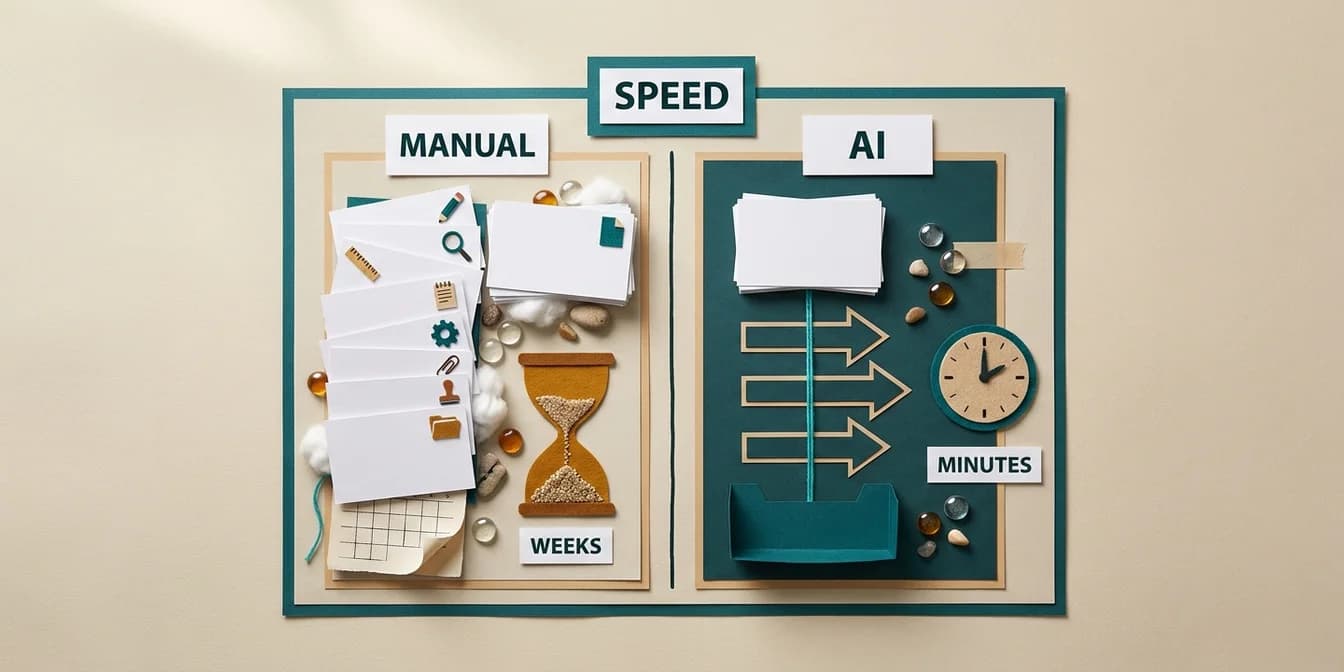
- Start optimization: Full AI pipeline runs in the background (1,000 products typically in 3 to 10 minutes, depending on load)
- Workbench review: Approve, reject, or edit suggestions
- Upload: Approved products go live as a supplemental feed, original stays intact
Frequently asked questions
What does AI feed optimization cost per product?
At FeedOptimizer.AI, the price per product depends on your band. On the 10,000 band (10,000 products for $149/month), it works out to roughly 1.5 cents per product; for larger catalogs it drops below half a cent. For comparison: a copywriter needs 15–30 minutes per product, at market rates of $40–$80/hour, that's $10–$40 per product. AI optimization is, depending on band, several hundred to over a thousand times cheaper.
How long does a full AI optimization run take?
For 1,000 products, typically 3 to 10 minutes depending on the latency of the underlying LLM APIs and current parallel-worker load. Larger catalogs (10,000+) run in the background and notify you when complete.
Do I risk getting products disapproved?
No, as long as you use the supplemental feed approach. Your original feed stays unchanged. If optimized content gets rejected by Merchant Center, the product falls back to its original value. More on common feed errors and how to avoid them.
Can AI match my brand voice?
Most serious tools support custom prompts or brand guidelines that the AI reads as a constraint. With FeedOptimizer.AI, you can attach a brand brief per Merchant Center that defines tone, forbidden words, and desired sentence length.
Do I have to approve every AI suggestion manually?
No, with bulk filters (by category, quality score threshold, or source) you approve thousands of products in seconds. Critical or high-margin products you can review individually; the rest run through bulk approve. The workflow scales linearly, and effort per product drops with catalog size.
What happens on re-optimization when product data changes?
At FeedOptimizer.AI, an optimization stays "frozen" until you actively re-trigger it. That prevents an overnight sync pipeline from silently overwriting working optimizations. Re-optimization is 100% user-driven.
Conclusion: AI is the 2026 baseline, not the differentiator
Two years ago, AI feed optimization was a competitive edge. In 2026, it's the baseline. Competitors who optimize with AI capture the 18–29% CTR lift documented in published studies, and you lose it when you stick to manual editing or pure feed rules.
The three takeaways:
- AI doesn't replace strategy, it scales it. You still need a view on which categories matter, how your brand sounds, and which products you want to push.
- Multi-pass beats single-call. One GPT prompt per product produces generic outputs. Category-specific multi-pass pipelines with quality checks deliver materially different results.
- Human-in-the-loop is mandatory. Fully automated upload without review doesn't scale, the workbench review workflow separates serious tools from toys.
Start with the top 20% of your highest-revenue products, let AI optimize, review in the workbench, push to a supplemental feed. Compare CTR and ROAS after 14 days. When the lift shows up, and it does in 9 out of 10 optimizable feeds, scale to the rest of the catalog.
Optimize your first 200 products free with , no credit card, no risk, no changes to your original feed.