Why does Google disapprove my products in Merchant Center?
Google disapproves products when your product data doesn't match what Google finds on your website, or when it violates a Shopping policy. The most common reasons are a price or availability mismatch between feed and landing page, poor or missing product images, missing GTINs, and incomplete required attributes. Far more serious is the account suspension for "misrepresentation": it doesn't hit one product, it takes down your entire account.
Get the distinction right from the start: a product disapproval affects individual items while your account stays live. An account suspension stops all of your products at once. The two have completely different fix paths. Confuse them, and you'll fix the wrong thing.
This guide separates both layers cleanly, walks you through the top 5 disapproval reasons with concrete fixes, explains the Merchant Center diagnostics workflow, and gives you an emergency playbook for the dreaded misrepresentation suspension.
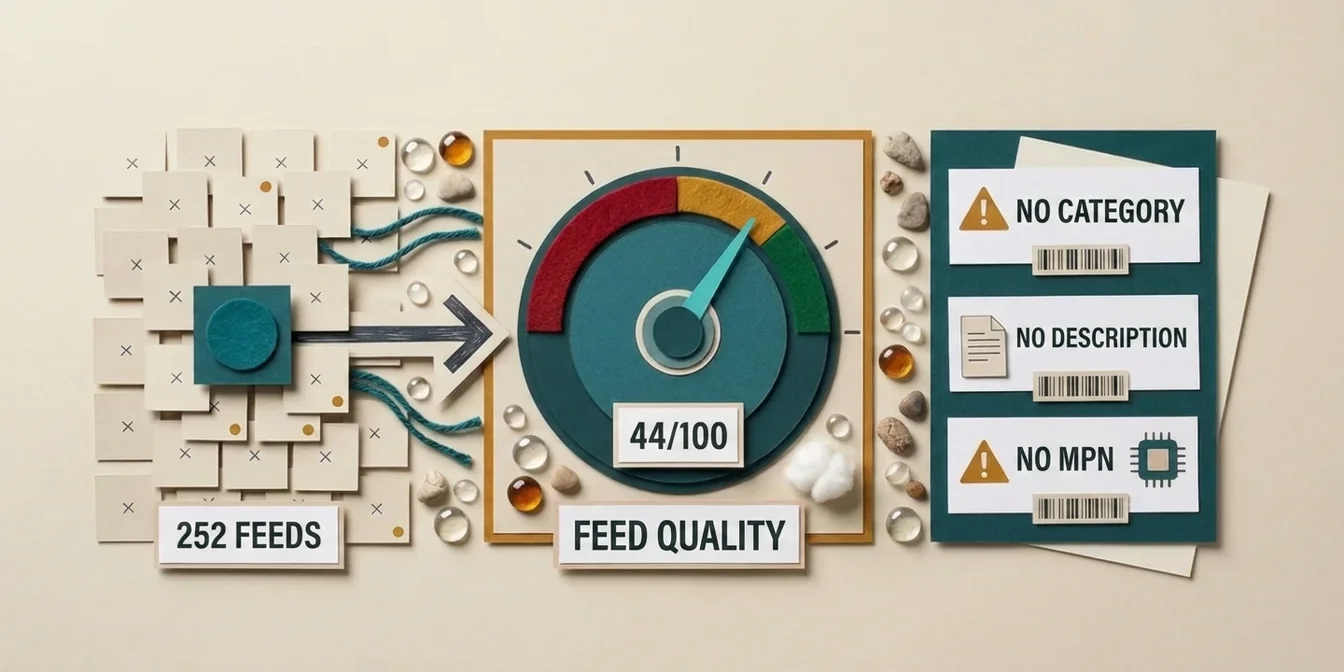
Before you work through either layer, it pays to know how much of your catalog rests on thin product data, because that is where most disapproval reasons begin. The free feed check scores every product in your Merchant Center and names the concrete gaps, so you can tell a data problem from a policy problem before you start fixing.
Product disapproval vs. account suspension: the critical difference
Before you fix anything, figure out which of the two problems you have. The symptoms look similar ("my products aren't showing"), but the cause and the solution are worlds apart.
| Attribute | Product disapproval | Account suspension |
|---|---|---|
| Scope | Individual items | Entire account, all products |
| Typical cause | Data error (price, image, GTIN) | Misrepresentation, policy violation |
| Account status | Active | Suspended / restricted |
| Fix | Correct data + resubmit | Audit + identity check + appeal |
| Time to fix | Hours to a few days | 7+ business days per review |
A product disapproval is routine and usually explainable in minutes. An account suspension is an escalation: here Google evaluates your entire business trustworthiness, and roughly 90% of all Merchant Center suspensions are classified as "misrepresentation" (StubGroup, 2026), a deliberately broad catch-all. More on that further down.
The 5 most common reasons for product disapprovals
The vast majority of all product disapprovals fall into five categories. Master these five and your feed stays clean for good.
1. Price and availability mismatch
This is the single most common disapproval reason. Google preemptively disapproves a product the moment the price or availability in your feed doesn't exactly match the landing page. Even a difference between $49.99 in the feed and $50.00 on the page is enough. Common triggers: tax included vs. excluded, shipping baked into price, delayed promo pricing, or an "in stock" feed for an item that's actually sold out.
Fix: Price and availability must be identical in three places: the feed, the visible on-page text, and the schema markup (schema.org). Correct all three, then request a re-review in the diagnostics tab. Per Google's documentation, the most durable solution is automated syncing (Content API or hourly fetch) so feed and page never drift apart.
2. Image quality
Images are the second most common disapproval reason. Google disapproves promotional overlays, watermarks, placeholder or logo images, resolutions that are too small, and blurry shots. Google recommends at least 1,500 × 1,500 pixels and now analyzes image quality with AI, so even images that technically meet the minimum specs can get flagged.
Fix: Use a clean product image on a neutral background, with no text, logo, or promotional banner. Supply the best available image via the image_link attribute. Additional views belong in additional_image_link.
3. Missing or invalid GTINs
For most branded products, Google expects a GTIN (the number under the barcode, also known as UPC or EAN). If it's missing or invalid (wrong length, a failing check digit, or a made-up code), the product is disapproved or shown far less often. A valid GTIN has 8, 12, 13, or 14 digits and a correct check digit.
Fix: Enter the correct GTIN in the gtin attribute. For genuine unbranded or private-label products with no barcode, set identifier_exists to no, but don't use that as a shortcut for branded goods, because Google catches it.
4. Incomplete product data
Missing required attributes such as gender, age_group, color, size (for apparel and accessories) lead to disapprovals or warnings. On top of that come title violations: ALL CAPS, promotional text in the title ("Free Shipping!"), special-character spam.
Fix: Populate every attribute required for your category. Keep titles clean following the brand → product type → attributes pattern, stay under the 150-character limit, and put the most important information in the first 70 characters (Google often truncates the rest across placements). Details in our guide to product title optimization. Across thousands of products, filling missing attributes can be automated with AI feed optimization.
5. Policy violations at the product level
Some products are inherently restricted or prohibited: weapons, tobacco, drugs, adult content, counterfeit branded goods. Misleading product descriptions count too.
Fix: Check the product against Google Shopping policies. Prohibited products can't be "fixed". Restricted ones (e.g. alcohol) need the correct category and age attributes.
How to find and fix disapproved products (step by step)
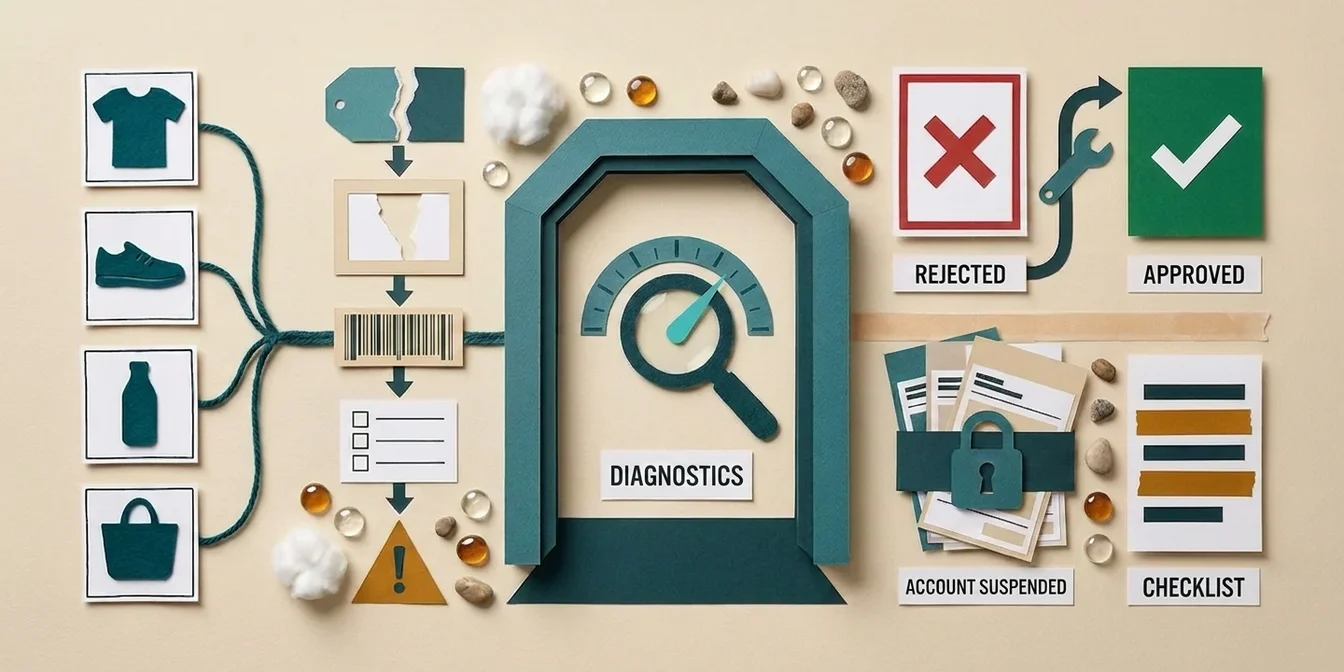
The entire diagnostics workflow lives in a single tab. You don't need Google support to understand what's wrong: the exact cause is stated right inside your account.
Step 1: Find disapproved products
In Merchant Center Next, open the Products section and click the Needs attention tab. In the older Merchant Center interface, this section was called Diagnostics. There you'll see every disapproval bundled, with the count of affected products per issue.
Step 2: Read the exact reason
Click the individual issue before you panic or contact support. Google states the exact disapproval reason and lists each affected product along with the attribute triggering the error. In 9 out of 10 cases that makes the fix obvious.
Step 3: Fix the error at its source
Correct the data where it originates. The most common mistake when fixing: changing only the feed. For price and availability mismatches, the feed AND the landing page (plus schema markup) must match, otherwise Google disapproves it again instantly. More on the typical data errors in our guide to common Google Shopping feed errors.
Step 4: Trigger a re-review
Resubmit your feed via manual upload, Content API, or a feed tool. That puts the product back under review. For previously disapproved items, you can also proactively trigger a manual review via Item status → Request review. Re-approval takes anywhere from a few hours to a few days.
The biggest mistake with disapproved products is knee-jerk action. Before you change anything, read the exact reason in the diagnostics tab. Google tells you precisely which attribute triggers which problem. 90% of disapprovals are understood in two minutes if you actually look, instead of blindly re-uploading the feed.
Dennis Gerich, Founder & CEO, FeedOptimizer.AI
The emergency: account suspension for misrepresentation
An account suspension isn't a data error, it's a trust problem. Roughly 90% of all Merchant Center suspensions are classified as "misrepresentation" (StubGroup, 2026). That means Google can't confidently verify your business identity, your product claims, or your post-purchase commitments.
The tricky part: Google support almost never tells you the specific cause. The burden is entirely on you to audit everything proactively. This checklist covers the most common triggers:
- Make business info consistent: Legal business name, physical address, phone number, and support email must be identical across every surface Google checks: website, Merchant Center, and Google Business Profile.
- Complete your return and shipping policy: Google doesn't just check whether a returns policy exists, but whether it's internally consistent and matches your product pages and feed.
- Make contact options visible: A reachable contact page with real details is mandatory.
- Secure your checkout: End-to-end HTTPS, no unencrypted payment flow.
- Verify your identity: The fastest path in 2026 is the ID-check link inside Merchant Center: upload your ID, a proof of address (e.g. a utility bill), and company registration details.
- Link your Google Business Profile: A verified Business Profile is often the final trigger for reinstatement, because it gives Google an independent source of your identity.
Only once everything is clean do you submit your appeal and explain, factually, what you corrected. An account review typically takes about 7 business days, longer for complex cases. Don't submit half-baked appeals. Every rejected appeal lengthens the process.
How to avoid disapprovals in the first place
The best disapproval is the one that never happens. Three measures prevent the majority of all product disapprovals before they occur.
1. Sync price and availability automatically. The most common disapproval reason is drift between feed and page. An automated connection (Content API or hourly fetch) keeps both aligned, even with dynamic pricing or fast sell-through.
2. Align your structured data. Make sure price and availability in your product pages' schema markup match the feed and the visible text. Google reads all three and compares them.
3. Fix safely with a Supplemental Feed. When you correct data, do it via a Supplemental Feed rather than in the primary feed. That keeps your original feed untouched and lets you roll back any change instantly if an optimization ever triggers a disapproval. How it works is in our Supplemental Feed guide.
How FeedOptimizer.AI reduces disapprovals
FeedOptimizer.AI targets exactly the data errors that cause product disapprovals, and does it risk-free through a Supplemental Feed.
- Fill missing attributes: The AI extracts
color,material,size,gender, and other required fields from the product page and image. The most common cause of "incomplete data" disapprovals disappears. - Policy-compliant titles & descriptions: A quality pass checks every output against GMC rules (no ALL-CAPS titles, no promo text, no prohibited claims) before it enters the feed.
- Correct Google Product Category: Wrong categorization costs visibility, and the AI picks the deepest matching category automatically.
- Supplemental Feed upload: Your original feed stays unchanged. If Merchant Center rejects an optimized value, the product falls back to the original, with no risk to your catalog.
If you're comparing tools, our Feed Management Tools Comparison 2026 is the fastest overview.
Frequently Asked Questions
How long does it take for a disapproved product to be approved again?
After you've corrected the data and resubmitted the feed, the re-review usually takes a few hours to a few days. Via Item status → Request review you can actively trigger the process for previously disapproved products. Then check the status in the Diagnostics / "Needs attention" tab.
What does "misrepresentation" mean in Merchant Center?
Misrepresentation is a broad catch-all for Google being unable to verify your business's trustworthiness, for example due to inconsistent business info, a missing return policy, or price discrepancies between feed and page. According to StubGroup (2026), roughly 90% of all account suspensions fall into this category.
Why is my product disapproved for a price mismatch even though the price is correct?
Usually it's because Google reads the price from your schema markup or a cached version of the page that differs from the feed. Make sure the feed, the visible on-page price, and the schema.org markup all show the same value, including currency and any shipping-cost logic.
Do I need a GTIN for every product?
For branded products with a barcode: yes. If the GTIN is missing, the product is disapproved or shown less often. For genuine private-label or handmade products without a barcode, set identifier_exists to no. But don't use that as a shortcut for branded goods, Google detects it.
Can a lot of disapprovals lead to an account suspension?
Not automatically. There's no fixed number of disapproved products at which Google suspends your account. A product disapproval affects only the individual item, while an account suspension stems from policy violations or misrepresentation, not from the sheer volume of disapproved products. That said, persistently violating the same policy can escalate the issue from the product level to the account level.
Should I appeal an account suspension right away?
No. Only appeal once you've cleanly worked through all business info, policies, and the identity check. A premature, incomplete appeal gets rejected and lengthens the entire process. Each review takes about 7 business days.
Could I risk disapprovals by optimizing my feed with AI?
Not if you use the Supplemental Feed approach. Your original feed stays unchanged. If an optimized value is disapproved, the product automatically falls back to the original. That lets you test optimizations with zero risk to your catalog.
Conclusion: disapprovals are a data problem, not a gamble
Product disapprovals feel threatening, but they're usually mundane: a price that doesn't match, a missing attribute, a bad image. The diagnostics tab tells you exactly what's wrong. You just have to look closely instead of blindly re-uploading.
The three takeaways:
- Separate product disapproval from account suspension. One is a data error, the other a trust problem, with completely different fix paths.
- Fix at the source, not just in the feed. Mismatch errors only disappear when feed, page, and schema markup agree.
- Prevent with automation and a Supplemental Feed. Synced data and a risk-free correction layer stop most disapprovals before they happen.
Before you fix items one by one: the free feed check shows you within minutes which of your products are on shaky ground content-wise.