Are GTINs really required for Google Shopping?
Yes, for virtually every branded product. As soon as your product has a manufacturer-assigned Global Trade Item Number and you advertise in the United States, the United Kingdom, Australia, or one of nine other listed countries, the GTIN becomes a required attribute in Google Merchant Center. Without it, the product is disapproved or its reach is dramatically reduced. Google reports that products with a valid GTIN earn up to 40% more impressions and 20% more conversions than products that ship without one.
The narrow exceptions, handmade one-offs, vintage items, custom-made goods, perishable products with no manufacturer ID, can be flagged via identifier_exists=false. But that switch isn't a get-out-of-jail card: misuse it and you risk a policy strike and account-wide disapprovals.
This guide cuts through the noise: what actually applies in 2026, what changed in March 2026 (the multi-channel product-ID split), and how to systematically clean up missing or invalid GTINs across a catalog with thousands of SKUs.
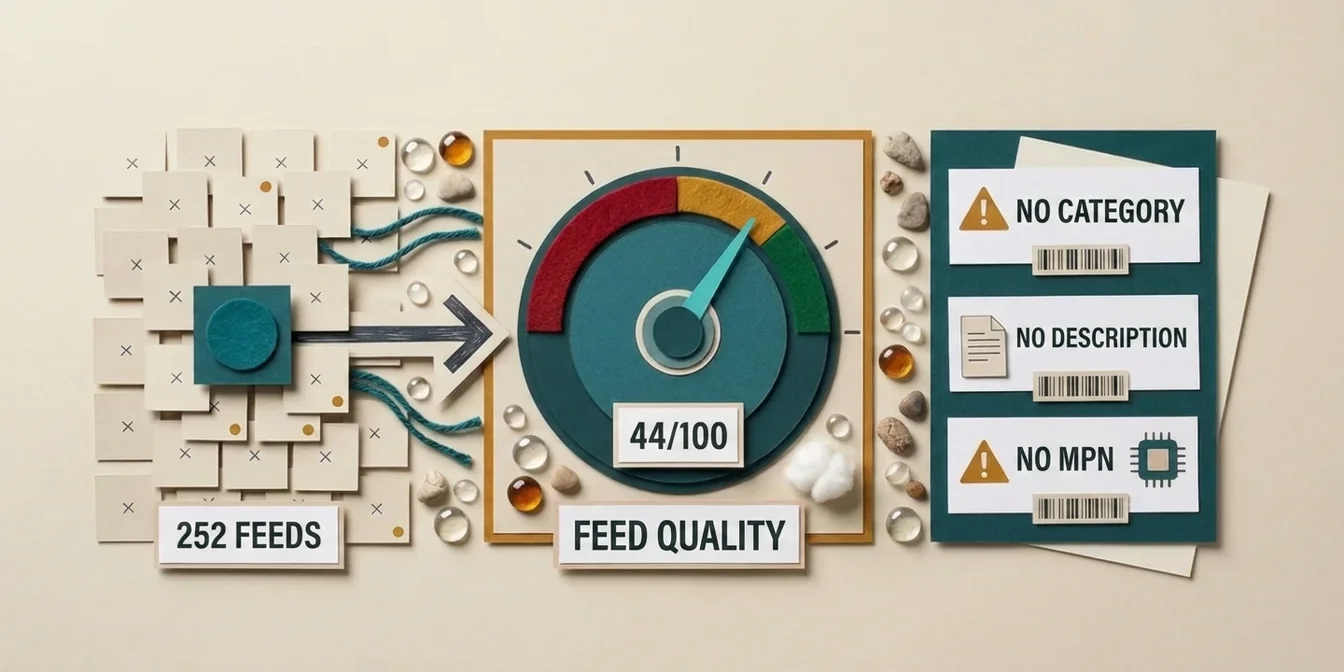
If you don't yet know how many of your products are affected, start with the free feed check. It scores every product in your feed, flags invalid and placeholder identifiers, and shows where required attributes are missing altogether, which turns an abstract compliance question into a list you can work through.
What is a GTIN, and which codes does it cover?
The Global Trade Item Number (GTIN) is the umbrella term GS1 uses for the global product identifiers it administers. It's a numeric code with 8, 12, 13, or 14 digits, and the last digit is always a mathematically calculated check digit.
In retail you'll encounter four flavors:
| Format | Digits | Typical use |
|---|---|---|
| GTIN-8 | 8 | Very small packaging (e.g., gum) |
| UPC-A (GTIN-12) | 12 | Standard in the US and Canada |
| EAN-13 (GTIN-13) | 13 | Default in Europe, also used globally |
| GTIN-14 / ITF-14 | 14 | Multipack/case level, single sellable units use EAN-13/UPC-12 |
For Google Shopping you'll typically submit a UPC-12 (US) or EAN-13 (EU/global). ISBNs for books are also GTINs, they go straight into the gtin field with no special handling.
How a UPC-12 is structured
0 36000 29145 2
└┬┘ └─┬──┘ └─┬─┘ └┬┘
 │    │     │   └── Check digit (1 digit, mod-10 of the 11 above)
 │    │     └────── Item reference (your internal product code)
 │    └─────────── GS1 company prefix (assigned by GS1 US)
 └────────────── GS1 number system digit (0–1 = general retail in the US)
To get the check digit, multiply the eleven preceding digits alternately by 3 and 1, add them up, and take the difference to the next multiple of 10. In the example above the sum is 58, the next multiple of 10 is 60, so the check digit is 2. The GS1 US check-digit calculator is the canonical reference.
Which products does Google require a GTIN for?
Google ties the GTIN requirement to two conditions, product type and selling country.
Product condition: GTIN is mandatory for every product the manufacturer has assigned one to. For branded merchandise (Nike, Stanley, L'Oréal, Apple, Lego, …) that's effectively always.
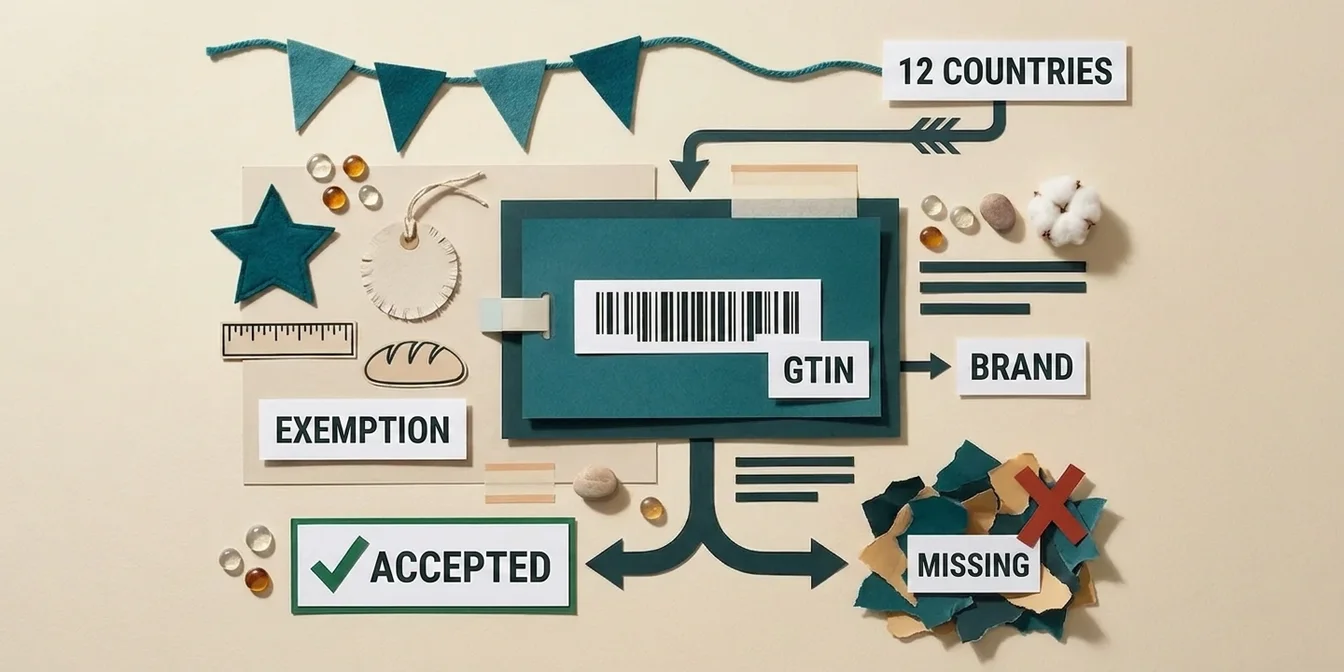
Country condition: In twelve countries, a GTIN is required for every product. The moment you advertise there, missing GTINs disapprove your feed:
Australia · Brazil · Czech Republic · France · Germany · Italy · Japan · Netherlands · Spain · Switzerland · United Kingdom · United States
For US-based merchants the bottom line is simple: if your manufacturer assigned a GTIN, you must include it. Multi-region sellers (US + EU + UK) hit the same rule in every market simultaneously, so the cost of getting GTINs wrong scales linearly with how many countries you sell into.
The only four legitimate exemptions, and the tripwire
When a product genuinely has no manufacturer-assigned GTIN, you can set identifier_exists=false. That applies to:
- Custom-made and built-to-order goods, e.g., a furniture piece sized to spec
- Handmade one-offs, craft, jewelry, small studio output
- Vintage and antiques, pre-GS1 items or one-of-a-kind collector pieces
- Perishables without a manufacturer ID, bakery items, certain deli goods
What isn't an exemption: "We just never tracked the GTIN." That's a data-entry problem, not a structural one. Google's guidance is blunt: only submit a GTIN when you're sure it's correct, and only set identifier_exists to false when one genuinely doesn't exist. Set it to false on a product that does have a GTIN, and Google will eventually cross-reference other sellers' data, find the identifier, and hit you with a policy violation, up to an account-wide disapproval wave.
The new March 2026 rule: multi-channel product-ID split
On January 6, 2026, Google posted a far-reaching change in the Merchant Center announcement changelog, enforced starting March 2026: when the same product is sold online and in physical stores at a different price, availability, or condition, it must appear in the feed as two separate entries with distinct product IDs.
The piece that confuses everyone, and where even AI Overviews give wrong answers:
| Attribute | Multi-channel behavior | Why |
|---|---|---|
id (Product ID) | Splits, unique ID per channel | Channel-specific tracking and reporting |
gtin | Identical across channels | It's the same physical product |
brand | Identical across channels | Product matching in the knowledge graph |
condition / availability / price | Channel-specific | Reflects real-world differences |
The rule of thumb: product IDs split, GTINs stay identical. Differing in-store prices or availability are best handled through the same product's local inventory data; you only create a second, standalone entry when the ad-targeting attributes genuinely diverge for good. Duplicating or altering the GTIN per channel breaks Google's product matching, you lose reviews, comparison shopping, and inclusion in AI shopping surfaces.
Retailers who missed the March 2026 deadline risk feed disapprovals, campaign disruption, and visibility loss; for a clean walkthrough of getting GTINs and product IDs right, see GS1 UK.
What actually happens when a GTIN is missing or wrong?
Missing and invalid GTINs are a common trigger for Google Merchant Center disapprovals. Google itself warns that products with a missing or incorrect GTIN may get limited visibility. The consequences range from quiet visibility loss to a full account shutdown.
Three error tiers, three consequences
-
Malformed GTIN (wrong format or check digit), "Invalid GTIN in unsupported format." The product is disapproved, neighbors are unaffected. Fix: enter a correct GTIN or recompute the check digit.
-
GTIN/brand mismatch, Google's diagnostic "GTIN not related to brand." Google found the GTIN in its database but it belongs to a different brand than the one you submit. The classic cause is a merchant typing in someone else's GTIN. Fix: validate the GTIN against the manufacturer's source or GS1 GEPIR.
-
identifier_exists=falseclaimed dishonestly, you mark the product as GTIN-less, but Google's knowledge base finds it. The result: a policy violation that, repeated, escalates to account-wide suspension.
The most common failure mode in practice is #2: a merchant imports GTINs from a supplier file without mapping the brand correctly. Even a small number of brand/GTIN mismatches drags the quality score of the whole feed down, which then suppresses delivery of the correctly maintained products too.
How to clean up missing GTINs in a catalog with thousands of SKUs
When Merchant Center suddenly flags "1,247 products with GTIN issues," you don't need a panic call to your supplier, you need a clean 4-step workflow:
Step 1, export the issue
In Merchant Center under Products → Needs attention, filter by the GTIN issue and download all affected products as CSV. That's your working list, including product ID, current GTIN value, and brand.
Step 2, verify GTINs against the manufacturer
The first question: did your supplier ship the correct GTIN? Three fast sources:
- GS1 GEPIR, GS1's free basic lookup returns the registered brand owner for a GTIN, which directly resolves the "GTIN not related to brand" error (tier 2)
- Manufacturer website, many B2B brands list GTINs publicly
- Scan your own packaging, the simplest reality check
Corrections go into a two-column table: id and gtin. That's all you need for a bulk fix.
Step 3, roll out via a supplemental feed
Instead of correcting each GTIN in your storefront database, where the next sync may overwrite your fix, push the corrections via a supplemental feed in Merchant Center. A two-column CSV upload is enough; the supplemental feed overrides the GTIN from your primary feed only for the listed IDs.
How that works mechanically: see our supplemental feed guide.
Step 4, quality pass on the rest of the catalog
If 1,247 products throw a GTIN error today, you likely have another thousand sitting with an empty GTIN field that Google hasn't flagged yet (because the country setting still tolerates it). Run a full feed audit, identify all empty GTINs, and bucket them into "genuinely missing" (no supplier mapping) versus "legitimately identifier_exists=true" (the narrow exceptions).
That's exactly where automated feed optimization scales, see our overview of the most common Google Shopping feed errors and how to avoid them.
GTIN, brand, MPN, how the trio works together
Google uses three fields to uniquely identify your product: gtin, brand, and mpn (Manufacturer Part Number). Which ones are required depends on the product:
| Product type | gtin | brand | mpn | identifier_exists |
|---|---|---|---|---|
| Branded with manufacturer GTIN | ✅ Required | ✅ Required | Recommended | (true) |
| Branded but no GTIN assigned (rare) | , | ✅ Required | ✅ Required | (true) |
| Private label with own GS1 GTIN | ✅ Required | ✅ Required | Recommended | (true) |
| One-of-a-kind / custom / vintage | , | Optional | Optional | false |
Important: private-label brands need their own GS1 company prefix. "We just use our internal SKUs as GTINs" doesn't work, even if the check digit math comes out right, GS1's database has never seen that number, and Google will catch it the moment another seller's matching GTIN cross-references it. If you sell a private label, budget the GS1 US fees: a single GTIN costs roughly $30 (one-time, no annual fee), while the company-prefix license runs about $250 setup plus $50/year at the smallest tier (up to 10 products) and scales to roughly $2,100/year for the largest (100,000-product) catalogs.
How FeedOptimizer.AI handles GTIN requirements
FeedOptimizer.AI specializes in Google Shopping feed optimization. On the GTIN side, we see two practical levers, clean validation of your existing catalog and smart defaults for new SKUs:
- GTIN validation in the quality score, missing GTINs and structurally invalid ones (wrong check digit, wrong length, implausible GS1 prefix) feed directly into each product's quality score. You see at a glance where the feed is bleeding reach.
- Brand/GTIN consistency check, during Pass 0a (classification), the AI identifies the brand and validates it against the GS1 prefix logic of the submitted GTIN. Mismatches surface in Workbench review before they ever reach the live feed.
- Supplemental feed workflow, corrections approved in Workbench are pushed automatically as a supplemental feed to Merchant Center. Your primary feed stays untouched; rollback is a single click.
- No fabricated GTINs, the AI never invents a GTIN. That's a hard limit: a defensible
identifier_exists=falsewith an audit-log reason beats a fake number that Google will eventually expose.
For broader context: how to structure your product titles for the SERP, the brand belongs up front in the title, and the brand in the title should match the brand field, which should match the GS1 prefix of the GTIN.
Frequently Asked Questions
Do I need a GTIN for every single product?
For virtually every branded product, yes. The moment a manufacturer has assigned a GTIN and you sell in the US, UK, or one of the ten other listed countries, it's required. Real exemptions are limited to handmade one-offs, custom builds, vintage items, and certain perishables without a manufacturer ID.
How much does it cost to get my own GTINs for a private label?
GS1 US charges a one-time $30 for a single GTIN, with no annual fee. The company-prefix license, which lets you assign multiple GTINs, is roughly $250 setup + $50/year at the smallest tier (up to 10 products), scaling to about $2,100/year for the largest (100,000-product) catalogs. Once you hold a GS1 company prefix you can mint GTINs up to your tier's capacity without per-unit fees.
What's the difference between a GTIN and a UPC?
In practice there is none, a UPC-A is a GTIN-12. "GTIN" is the umbrella term GS1 introduced to unify global standards; "UPC" is the older North American name for the same 12-digit code. The Merchant Center field is gtin regardless of which flavor you submit.
Can I just set identifier_exists=false to dodge the GTIN requirement?
Only if your product genuinely has no manufacturer-assigned GTIN. If Google cross-references the GTIN through other sellers and finds it, you take a policy strike. In the worst case, repeat violations escalate to a full Merchant Center account suspension.
What actually changes in March 2026?
The GTIN rules themselves don't change. What's new is the multi-channel product-ID rule: if you ship the same product online and in-store at different prices or availability, you need two separate entries with different id values but identical gtin. Miss it and your delivery breaks; the rule has been enforced since March 2026.
How do I check that my GTINs are valid?
Three steps: (1) Structure, 8, 12, 13, or 14 digits with a mathematically valid check digit (use the GS1 calculator). (2) Brand cross-check, the leading digits of a GTIN tie back to the manufacturer's GS1 prefix. (3) Bulk lookup via GS1 GEPIR or tools that hit the GS1 database. Inside Merchant Center, export affected products as CSV and correct them in bulk via a supplemental feed.
The bottom line: GTIN hygiene isn't compliance, it's reach
The GTIN requirement sounds like bureaucracy. In reality, it's one of the highest-leverage controls in your entire Google Shopping setup. Get it right and you unlock the 40% impression and 20% conversion uplift Google publicly cites. Get it wrong, or try to dodge it with identifier_exists=false, and you risk delivery of your whole catalog.
Three takeaways for 2026:
- In the US, UK, and ten other listed markets, GTIN is mandatory for branded products, not a recommendation, a delivery precondition.
identifier_exists=falseis narrowly defined, use it broadly and you've built yourself a policy trap.- In March 2026 the product ID splits, the GTIN stays identical, multi-channel sellers who missed this have been losing visibility ever since.
To see how many of your products are affected, run the free feed check: a grade and a score for every product, straight from your Merchant Center.