Which feed source actually delivers better data quality?
Feeds connected directly through the Content API average 60.5 out of 100. WooCommerce plugin feeds average just 5.6. That's the finding from our analysis of 573,882 products across 88 feeds from 58 merchants, grouped by how each feed technically originates. More than a tenfold gap, driven entirely by the feed source, not by what's in it.
The feed source isn't a background technical detail. It decides upfront how much raw cleanup an optimization layer still has to do. A Content API feed usually comes out of a genuinely mature data pipeline and starts high. A WooCommerce export often starts from empty description fields and titles that are nothing more than the product name.
Want to see where your own feed lands, regardless of its source? The free feed check scores it in minutes.
Methodology: how we grouped feed sources
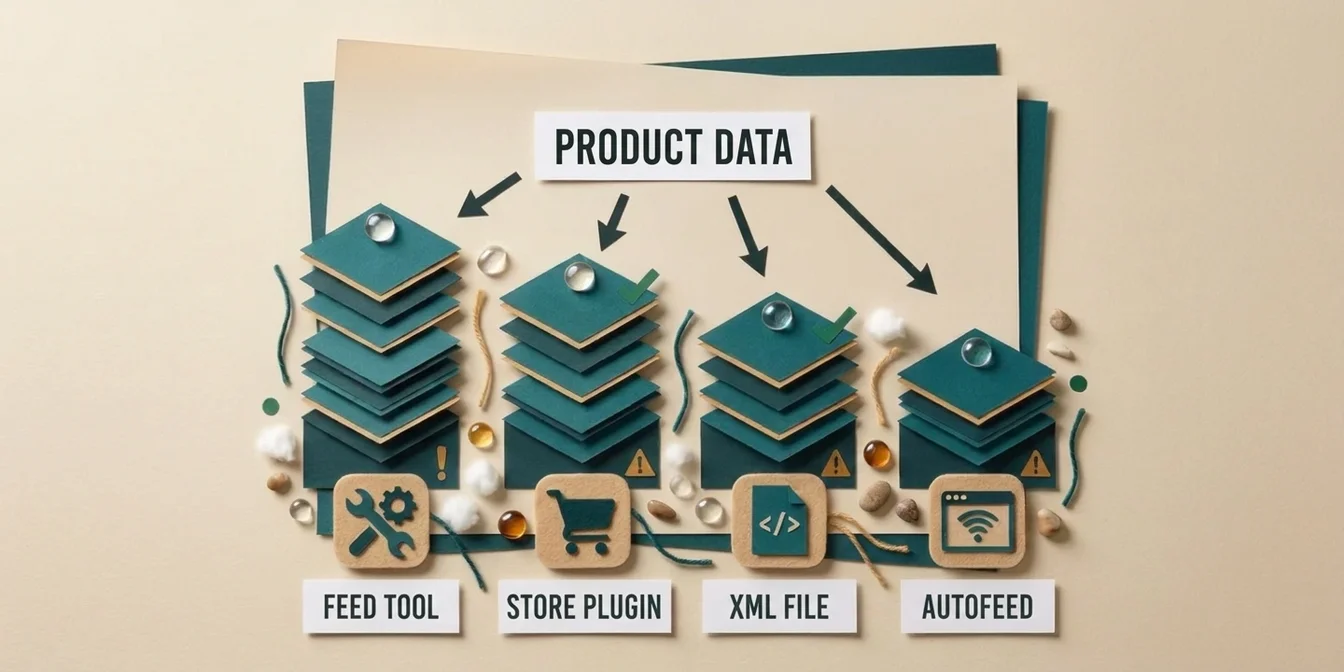
Every feed in our system carries an input type: Shopify's native app, a WooCommerce plugin, a dedicated feed tool like Simprosys, a direct Content API connection, Google's automatic feed (autofeed), or a classic static XML file. What gets measured is the pre-optimization score, the raw state of the feed before any AI processing. A bucket only appears on its own if at least three merchants and 500 products stand behind it; otherwise it folds into "other sources" with no published score, so no single merchant becomes identifiable.
| Feed source | Feeds | Merchants | Products | Avg. score | p25 | Median | p75 |
|---|---|---|---|---|---|---|---|
| Content API | 4 | 4 | 4,094 | 60.5 | 54 | 66 | 75 |
| Feed tool (Simprosys) | 4 | 3 | 2,666 | 28.1 | 21.5 | 24.2 | 29.7 |
| Shopify app (native) | 20 | 9 | 41,733 | 25.7 | 17.1 | 19.3 | 34.5 |
| Static XML file | 49 | 32 | 305,830 | 20.9 | 13.8 | 22 | 24.8 |
| Google autofeed | 5 | 5 | 13,570 | 10.5 | 7.7 | 9.9 | 12.7 |
| WooCommerce plugin | 4 | 4 | 63,354 | 5.6 | 1.4 | 4.4 | 8.3 |
| Other sources | 2 | 1 | 142,635 | n/a | n/a | n/a | n/a |
Snapshot period: May through September 2026, all figures aggregated and anonymized. "Other sources" carries no score because only a single merchant stands behind it, and publishing a score would make that merchant identifiable.
"Store plugin" isn't one category
Within the single category of "store plugin," Shopify and WooCommerce sit worlds apart: 25.7 versus 5.6, a gap of more than 4.5x. Both platforms offer some built-in path to Google Shopping, but the starting point is fundamentally different.
Shopify's native app connects the store directly to Merchant Center and pulls title, description, and variants from a catalog that Shopify itself tends to keep reasonably structured. WooCommerce does have an official path too, the "Google for WooCommerce" extension (formerly Google Listings & Ads), built jointly by Google and WooCommerce, but unlike Shopify's app it enforces no extra structure: it just syncs whatever already sits in the WordPress catalog. Dedicated feed plugins like CTX Feed or WooCommerce Product Feed PRO usually pass through the underlying product data unchanged too. WooCommerce product descriptions are often short or empty in practice, because WordPress never forces them to exist. That shows up directly in the score: WooCommerce's p25 sits at just 1.4, meaning a quarter of all WooCommerce feeds barely register above zero.
The takeaway: "we installed a Shopping app" says very little about actual data quality. What matters is how much structure the underlying platform already enforces, not whether someone checked a box labeled "Google Shopping enabled."
Feed tool: why the Content API beats almost everything
Content API feeds hit the highest average of any source at 60.5, nearly 40 points above a classic XML file. The floor is dramatically higher too: the bottom quartile sits at 54, more than twelve times the WooCommerce median.
During our measurement window, Google recommended the Content API for large or frequently changing catalogs, since it pushes data through API calls instead of file uploads, cutting latency and disapproval risk. Google shut down the Content API on August 18, 2026; the Merchant API is its official successor, built on a new, modular architecture. In practice, the merchants who build or commission a direct API integration like this tend to already run a more mature product database, and that's mostly what the high score reflects. It's less a property of the API itself and more a signal of the data infrastructure maturity behind it.
Simprosys, a dedicated feed tool that originated in and remains most widely used within the Shopify ecosystem (it has since expanded to WooCommerce, Wix, and other platforms), lands at 28.1, moderately above Shopify's native app (25.7). The telling number is the p75: at 29.7 it's actually lower than the native app's 34.5. A dedicated tool lifts the floor (p25 21.5 versus 17.1), not the ceiling. If you already maintain your native feed carefully, a tool like this adds comparatively little. If you've been neglecting it, the built-in rules of a dedicated feed tool pay off fast.
Autofeed: the cheapest option is also the weakest
Google's automatic feed, where no file ever gets uploaded and Google crawls product data straight from the website, averages just 10.5. That's the second-weakest source after WooCommerce plugins and roughly 50 points below Content API feeds.
Nobody maintains an autofeed, by definition. Google pulls title, price, and availability from structured data on the product page, data that was rarely written with Shopping compliance in mind. A product title that reads well on a website is often missing the exact attributes a Shopping algorithm needs for matching: brand, material, size as a dedicated field instead of buried in running text. Autofeed is the only source on this list where nobody, neither a person nor a piece of software, ever deliberately decides what ends up in the feed.
For merchants who stay on autofeed out of convenience, the implication is simple: moving to an actual feed, even a plain static file, is almost always a quality jump. A basic static file already scores roughly twice as high on average (20.9 versus 10.5).
The classic XML file: the biggest group, the widest spread
More than half of all products analyzed here (305,830 of 573,882, 53 percent) arrive through a static XML file. This category doesn't fit any of the three terms in this article's title: it's not a store plugin, not a specialized feed tool, and not Google's autofeed. Most often it's a file generated by an ERP or inventory system, sometimes hand-built or scripted.
At an average of 20.9, it sits in the middle of the pack, but the spread is the widest of any source: 49 feeds from 32 merchants, p25 at 13.8, p75 at 24.8. Behind that number sit both well-maintained PIM exports and stale, hand-assembled files nobody has touched in months. Of all six categories, the source alone says the least about the quality you should expect from an XML file.
What this means for your store
- The feed source is a starting point, not a ceiling. Even the lowest average (WooCommerce, 5.6) has individual outliers above the Content API median. The source decides where you start, not where you end up.
- A dedicated feed tool pays off most when your native feed is otherwise neglected. The gain shows up at the floor (p25), not the ceiling.
- Getting off autofeed is the fastest lever available. Even a plain static XML file roughly doubles the average score compared to Google's automatic crawling.
- With WooCommerce, the plugin alone isn't enough. Because the platform itself never enforces structured product data, quality work has to happen on top of the feed export, not instead of it.
How FeedOptimizer.AI levels the field across every feed source
FeedOptimizer.AI works on the same layer regardless of feed source: the product data itself. Whether it arrives through a Shopify app, a WooCommerce plugin, Simprosys, a Content API/Merchant API connection, autofeed, or a static XML file, the AI generates complete titles, descriptions, and attributes from the existing product information, specifically targeting the floor that this analysis shows breaking down hardest, whichever source you're on.
Optimization runs through a supplemental feed: your original feed, whatever its origin, stays untouched while the optimized data reaches Google alongside it. For the specific errors that drag scores down beyond the question of source, see our feed error benchmark. For an overview of every tool category in this market, from store plugins to full feed management platforms, see our feed management tool comparison.
For how the feed quality score breaks down across the entire dataset without splitting by source, see our feed quality score benchmark. For the broader quarterly industry picture, see our State of Google Shopping Feeds report.
Frequently Asked Questions
Which feed source delivers the best data quality for Google Shopping?
In our analysis of 573,882 products, feeds connected through the Content API average the highest score at 60.5 out of 100. The reason has less to do with the API itself and more with the fact that merchants who build this kind of connection usually already run a more structured product database.
Why do WooCommerce feeds score so poorly?
WooCommerce never enforces structured product data. Whether merchants use the official "Google for WooCommerce" extension or a dedicated feed plugin, every path passes through the existing, often short or empty description fields unchanged. WooCommerce feeds average just 5.6 out of 100, with the bottom quartile at 1.4.
Is Google's autofeed a real alternative to running your own feed?
Not on quality. Autofeed products average just 10.5, because Google crawls the data unfiltered straight from the website instead of pulling it from a maintained feed. Even a plain static XML file roughly doubles that average to 20.9.
Is a dedicated feed tool worth it over Shopify's native app?
Mostly if your native feed would otherwise go unmaintained. Simprosys averages 28.1 versus 25.7 for Shopify's native app, with a noticeably higher floor (p25 21.5 versus 17.1). If you already maintain your native feed carefully, a dedicated tool adds comparatively little on top.
Does a supplemental feed improve quality regardless of feed source?
Yes. A supplemental feed layers on top of any existing feed, whether it comes from a Shopify app, a WooCommerce plugin, a Content API connection, or an XML file, and delivers optimized titles, descriptions, and attributes to Google alongside it, without altering the original source.
Conclusion: the source decides the start, not the destination
The gap between 60.5 and 5.6 shows how heavily a feed's technical origin shapes its starting quality, long before anyone has actively worked on the product data.
The 4 key takeaways:
- Content API feeds start highest at 60.5, more than ten times WooCommerce plugin feeds (5.6).
- "Store plugin" isn't a single category: Shopify's native app (25.7) beats WooCommerce plugins (5.6) by roughly 4.6x.
- Autofeed is the second-weakest source (10.5) and usually the easiest lever: even a plain static XML file roughly doubles the score.
- A dedicated feed tool mainly lifts the floor, not the ceiling, and pays off most for neglected feeds.
Whatever source your feed comes from, that starting point is where you begin, not where you're stuck.