FeedOptimizer.AI or DataFeedWatch: what's the actual difference?
DataFeedWatch is a rules engine built for multi-channel distribution across 2,000+ channels. FeedOptimizer.AI is an AI-first tool built specifically for Google Shopping. If you sell on Amazon, eBay, Meta, and Google at once and want to build your own feed rules, DataFeedWatch is the right call. If you want to be live in under ten minutes with AI-written titles and descriptions instead of manual mapping rules, FeedOptimizer.AI is the more direct path.
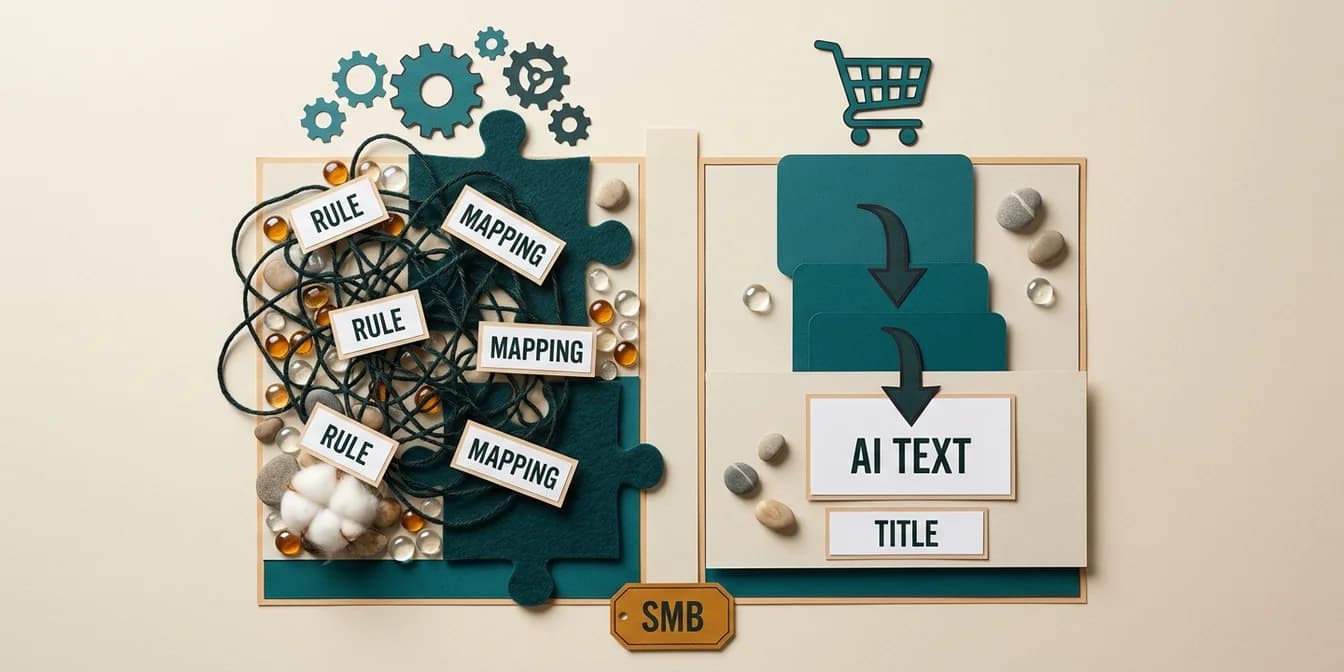
This isn't a feature-checklist difference, it's an architecture decision. DataFeedWatch runs on a rules engine: you define conditions, transformations, and mappings per channel, and the engine applies them consistently. FeedOptimizer.AI runs on an AI model: you connect the feed, and a language model rewrites titles and descriptions per product, no rule required. Both approaches solve the same underlying problem for different users.
This guide runs the cost math at three real catalog sizes, compares AI depth between both tools in detail, and shows exactly who benefits from switching.
The architecture question: rules engine vs. AI pipeline
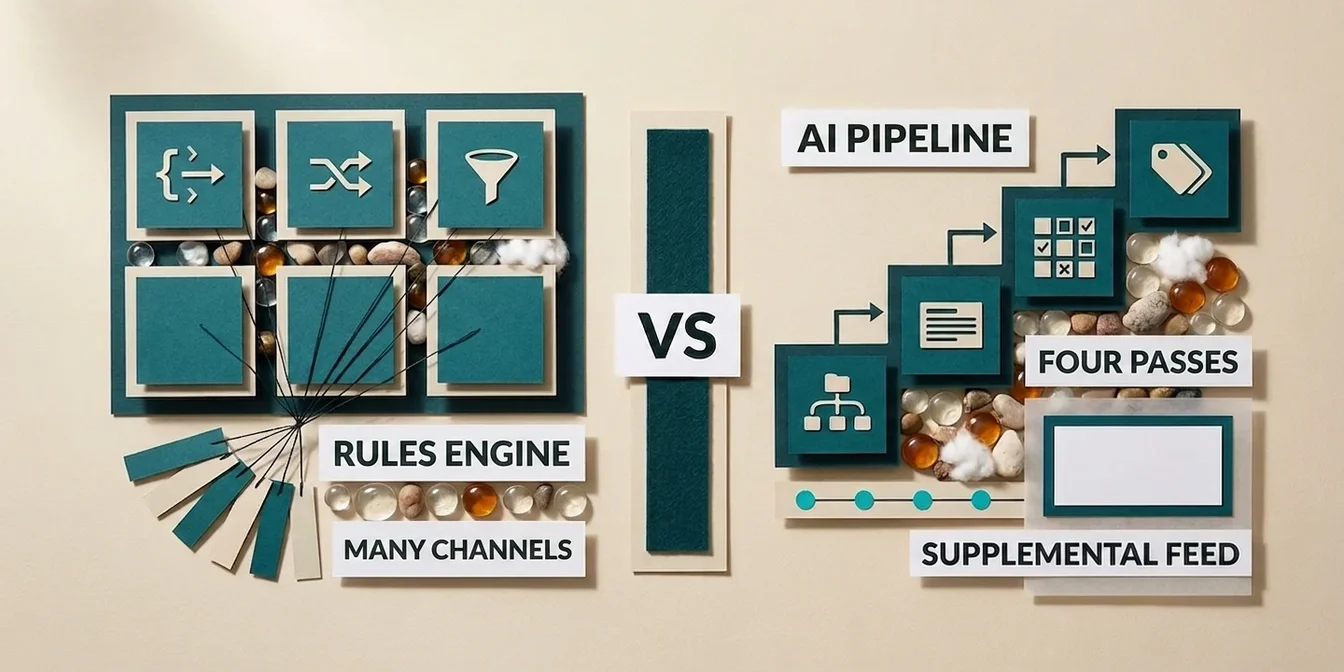
DataFeedWatch processes feeds through a rules engine where you configure IF-conditions, data source merges, and field mappings per channel. FeedOptimizer.AI processes every product individually through a multi-pass AI pipeline, with no rule to touch. That single difference explains almost every other gap in this comparison.
With DataFeedWatch, you start with a blank rule canvas. You decide: if category equals "shoes" and the color attribute is missing, pull the value from the product description. If the title exceeds 150 characters, truncate using pattern X. That's powerful, but you're the rule author. Since 2024, DataFeedWatch has added AI building blocks like AI Auto-Mapping and AI Attribute Fill that suggest individual rules automatically, but the core logic stays rule-based.
FeedOptimizer.AI flips that relationship. A four-pass AI run per product (category classification, Google product category assignment, content generation, attribute refinement) replaces the manual rule entirely. There's no field-mapping interface, because there are no fields to map, the model reads the product and rewrites it. The trade-off: you lose the granular control of a rules engine, but you gain setup time and consistency across thousands of products.
A rules engine is only as good as the rules you write. A language model understands context no IF-condition captures, like the fact that "Women Sneaker White Size 8" converts worse than "White Leather Sneakers for Women, Size 8, Business Casual".
Dennis Gerich, Founder & CEO, FeedOptimizer.AI
Setup and time-to-first-result
FeedOptimizer.AI connects to Merchant Center in about two clicks and delivers a first optimization in under ten minutes. DataFeedWatch is built as a rules engine: you get its full value from configured mapping rules per channel, and that effort grows with every channel that brings its own attribute requirements. For a single Google Shopping feed, that gap matters. For a five-channel rollout, the picture flips.
DataFeedWatch onboarding runs through a 15-day trial (payment details are requested at signup): connect the feed source, pick channel templates, define mapping rules per target channel, test, publish. We haven't measured how long that takes ourselves; every additional channel with its own attribute requirements brings its own rules.
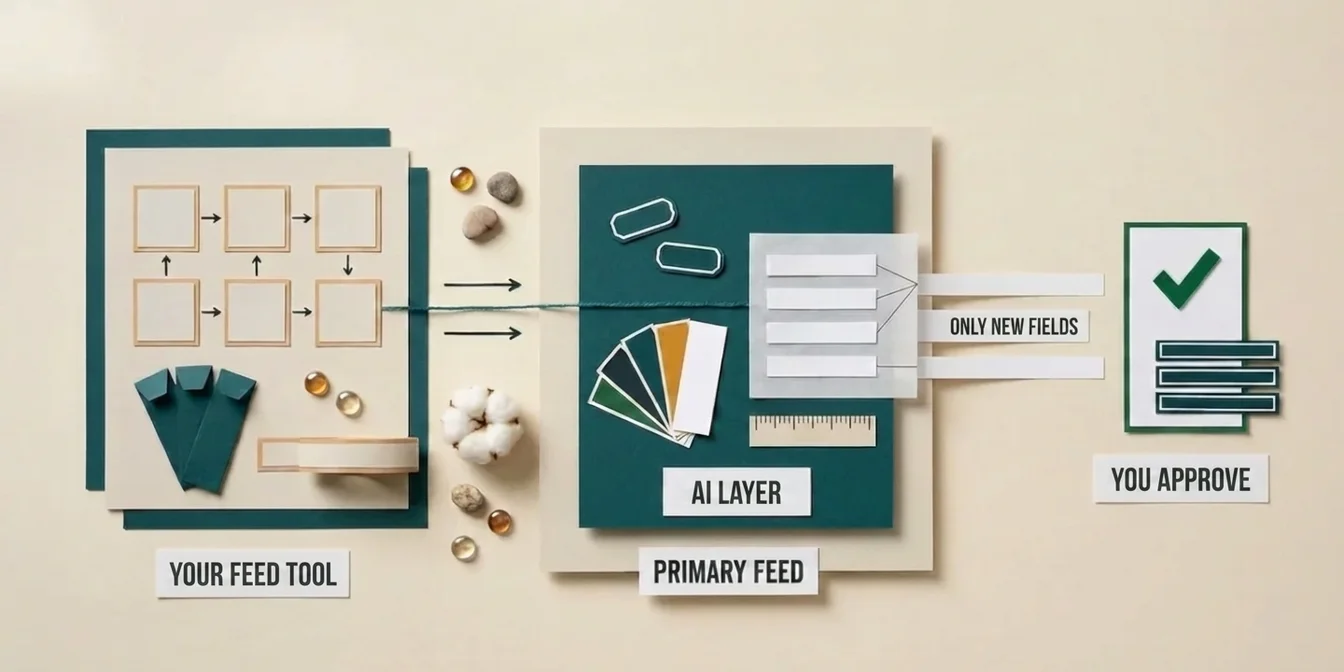
FeedOptimizer.AI has no mapping interface to learn. Connect Merchant Center, pick a feed, run AI optimization, review suggestions in the workbench, and upload as a supplemental feed. The free tier covers 200 products with no credit card required, so the first test carries zero risk.
Pricing math by catalog size
Both vendors publish their prices: FeedOptimizer.AI from $0, DataFeedWatch from $64 per month (checked 23 September 2026). Because the tiers cover different things, the useful question is not who is cheaper but what you pay for in which tier. Three concrete scenarios show that.
| Catalog size | FeedOptimizer.AI | DataFeedWatch |
|---|---|---|
| 500 products, 1 channel (Google Shopping) | $19/month (band up to 500 products) | Shop tier: $64/month, 1,000 SKUs, 1 shop, up to 3 feeds |
| 5,000 products, 1 channel | $89/month (band up to 5,000) | Merchant tier: $84/month, 5,000 SKUs, 2 shops, up to 10 feeds |
| 30,000 products, 4+ channels | Not covered (no multi-channel) | Agency tier: $239/month, 30,000 SKUs, unlimited shops, up to 150 feeds |
The amounts come from DataFeedWatch's pricing page (checked 23 September 2026) and apply to monthly billing; DataFeedWatch takes 17 percent off for annual payment, we take 20. At 500 products on a single channel, FeedOptimizer.AI runs $19/month against DataFeedWatch's smallest tier at $64, which covers up to three feeds and 1,000 SKUs, capacity you don't need for a Google-Shopping-only setup. At 5,000 products the picture turns: $89 with us against $84 in the Merchant tier, so DataFeedWatch is the cheaper of the two, and that $84 also buys two shops and up to ten feeds, where ours buys a four-pass AI pipeline on one channel. Once a fourth or fifth channel enters the picture, like Amazon or Meta, FeedOptimizer.AI simply has no offer, and DataFeedWatch's Agency tier covers unlimited shops and up to 150 feeds for $239.
The honest summary: for small, focused Google Shopping catalogs FeedOptimizer.AI is clearly cheaper and starts at $0. From around 5,000 products the amounts are level, and what decides is whether you need channel breadth or depth on one channel. Once channel count is the actual problem, DataFeedWatch wins, because FeedOptimizer.AI has no offer there.
FeedOptimizer.AI vs. DataFeedWatch: AI depth, head to head
DataFeedWatch's AI features are automation building blocks inside the rules engine (AI Attribute Fill, AI Auto-Mapping, and since 2025, 1-Click Feed Creation). FeedOptimizer.AI's AI is the entire pipeline, not an add-on module. Both rely on language models, but at very different depth per product.
DataFeedWatch's AI Attribute Fill scans existing titles and descriptions for size and color data and populates the matching fields, saving manual mapping work. For AI-generated titles, DataFeedWatch's own case study (customer United RV) reports a 17% and a 44% conversion rate increase over two-week windows for two tested product groups, a vendor figure we haven't verified. According to the vendor, AI optimization is available for Google Shopping, Meta, Snapchat, Bing, Pinterest, and TikTok feeds in 10 languages.
FeedOptimizer.AI runs every product through four passes: one model classifies the product category, a second selects the exact Google product category from a candidate list, a third generates title, description, and highlights, and a fourth refines attributes and structured product details. That's more AI compute per product, but also more consistency, every product gets the same four-stage check whether you upload 50 products or 50,000.
The practical difference: with DataFeedWatch, AI remains a tool inside your rules, you still decide where it applies. With FeedOptimizer.AI, AI is the default path, you review the output instead of building the logic upfront.
Channel breadth vs. channel depth
DataFeedWatch covers 2,000+ channels across 60 countries. FeedOptimizer.AI covers exactly one: Google Shopping. That's not a weakness by default, it's a deliberate focus. Sell across five marketplaces and you need channel breadth. Run 90% of your ad spend through Google Shopping and you need depth in that one place instead.
A multi-channel tool has to make compromises so the same rules engine works across Amazon, eBay, Meta, and Google simultaneously. A Google-Shopping-only tool can tune every optimization exactly to Google's taxonomy, Google's attribute requirements, and Google's ranking signals, with no need to accommodate other channels' quirks. That focus is exactly what makes FeedOptimizer.AI's four-pass AI run possible, a rules engine serving five channels at once has to maintain that depth per channel as rules.
So the real question isn't "more channels is better." It's: how much of your revenue actually runs through Google Shopping?
Risk model: original feed vs. rule overwrite
FeedOptimizer.AI uploads optimizations exclusively as a supplemental feed, your original feed in Merchant Center stays untouched, and every change is reversible. A rules engine like DataFeedWatch delivers the transformed feed, the output of its rules, to the target channel. For teams hesitant to run their first live test, the strict separation of original and optimization is the decisive argument.
With a rules engine, what reaches the channel is what the rules output. How you catch mistakes before publishing depends on the setup you build and on how many people edit the same rules.
FeedOptimizer.AI's supplemental feed approach keeps the original and the optimization strictly separate: the AI writes to an additional data source that Merchant Center prioritizes over the original feed, but that you can disable at any time without touching the original. That lowers the barrier for teams hesitant to run their first live test.
Migration: is switching worth it?
A direct switch mainly pays off for Google-Shopping-only merchants currently paying for multi-channel capacity they don't use. For real multi-channel setups, a full switch rarely makes sense, but a parallel test carries zero risk. The two tools aren't mutually exclusive.
Because FeedOptimizer.AI runs through a supplemental feed while DataFeedWatch's rules engine transforms the feed directly, both systems can run in parallel without conflict, as long as it's clear which tool has priority on which channel. A common testing path: keep DataFeedWatch active for Amazon, eBay, and Meta, while FeedOptimizer.AI takes over the Google Shopping channel exclusively, testing its free tier against the existing DataFeedWatch output before making a call.
Decision table
| Your situation | Recommendation |
|---|---|
| Google Shopping only, small to mid catalog | FeedOptimizer.AI |
| Multi-channel (Amazon, eBay, Meta, Google) | DataFeedWatch |
| You want to control feed rules yourself | DataFeedWatch |
| You want AI without rule setup | FeedOptimizer.AI |
| Original feed must stay untouched | FeedOptimizer.AI (supplemental feed) |
| Agency managing many client feeds across channels | DataFeedWatch |
| Setup in under 10 minutes is a must | FeedOptimizer.AI |
How FeedOptimizer.AI goes deeper on Google Shopping
FeedOptimizer.AI isn't a replacement for a multi-channel rules engine, it's a specialization on the one channel that, for many merchants, carries the majority of the shopping budget.
- Four-pass AI pipeline per product: category classification, Google product category assignment, content generation, attribute refinement, no manual field mapping required
- Supplemental feed: original feed stays untouched, every optimization is reversible
- Quality Score dashboard: instant visibility into which products have optimization potential, on one consistent scale across the entire feed
- Batch optimization: hundreds to tens of thousands of products in one pass, not field by field
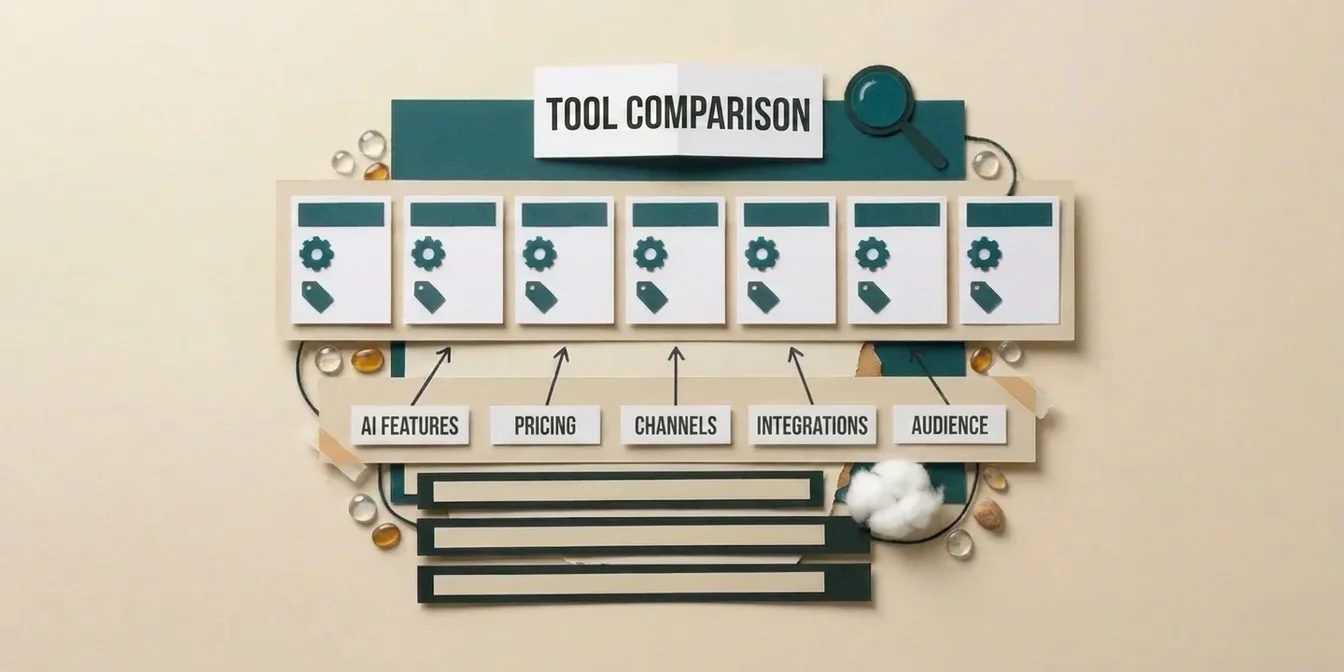
For how the AI pipeline works in detail, see our guide to AI feed optimization. For a broader look across seven tools, including DataFeedWatch, Channable, and Feedonomics, see the Feed Management Tool Comparison 2026.
Frequently Asked Questions
Is FeedOptimizer.AI cheaper than DataFeedWatch?
At small catalog sizes yes, further up no longer. FeedOptimizer.AI starts free with 200 products and the band up to 500 costs $19/month, against DataFeedWatch's smallest tier at $64/month for 1,000 SKUs (checked 23 September 2026). At 5,000 products it is $89 against $84, so DataFeedWatch is the cheaper of the two. Once multi-channel distribution across multiple shops and feeds enters the picture, FeedOptimizer.AI has no offer, and DataFeedWatch is the choice there.
Can I use FeedOptimizer.AI and DataFeedWatch at the same time?
Yes. FeedOptimizer.AI runs through a supplemental feed that doesn't alter your original Merchant Center feed, while DataFeedWatch transforms the feed directly for other channels. Both systems can run in parallel as long as it's clear which tool serves which channel.
What's the biggest functional difference?
DataFeedWatch is a rules engine, you define conditions and mappings yourself. FeedOptimizer.AI replaces the rule with a multi-pass AI pipeline that analyzes and rewrites every product individually, with no rule configuration required.
Who is DataFeedWatch the better choice for?
Merchants and agencies selling across multiple marketplaces at once (Amazon, eBay, Meta, Google) who need full control over feed transformation rules per channel. The 2,000+ channel templates are a genuine advantage when channel breadth is your main problem.
Who is FeedOptimizer.AI the better choice for?
Google-Shopping-focused merchants who want AI-written titles and descriptions without manual rule setup and want to be live in under ten minutes, without paying for multi-channel capacity they won't use.
Bottom line: focus beats breadth when Google Shopping is your main channel
DataFeedWatch and FeedOptimizer.AI solve the same problem from opposite directions: rule control across many channels versus AI depth on one channel. The key takeaways:
- Architecture drives everything else: rules engine vs. AI pipeline explains almost every other difference in this comparison.
- Price only decides at the low end: At small catalog sizes FeedOptimizer.AI is clearly cheaper and starts at $0; from around 5,000 products the amounts are level. At multi-channel volume, DataFeedWatch is the choice, because FeedOptimizer.AI has no offer there.
- The two aren't mutually exclusive: the supplemental feed approach makes a parallel test risk-free.
- The channel question is the real decision: not which tool is "better," but how much of your revenue runs through Google Shopping.
If Google Shopping is your main channel, on your first 200 products, no credit card, alongside your existing setup.