Google Shopping Multi-Country Setup: The Short Answer
You configure Google Shopping for multiple countries through the single "Target countries" field in your data source setup, not through the old separate primary-country and additional-countries fields Google merged back in 2022. If your target countries share language and currency, one data source with multiple target countries is enough. If either differs, say expanding from the US into the UK and the Eurozone, you need a separate data source with its own feed label.
59% of shoppers worldwide buy from retailers outside their home country, according to Capital One Shopping's 2026 research. If your feed only targets your home market, you're leaving exactly that demand on the table, without needing a second storefront to capture it.
Most multi-country setups don't fail on the mechanics. They fail because a merchant assumes two markets that share a language also share pricing and tax logic. A single mismatched VAT rate is enough to make a technically correct feed serve the wrong price.
Target Countries, Not Primary and Additional: What Changed Back in 2022
Until 2022, Merchant Center kept "Primary country of sale" and "Additional countries" as two separate fields in Business information. Google merged both into a single Target countries field. If you're following an older guide or searching for the old field names, you'll land in the wrong menu.
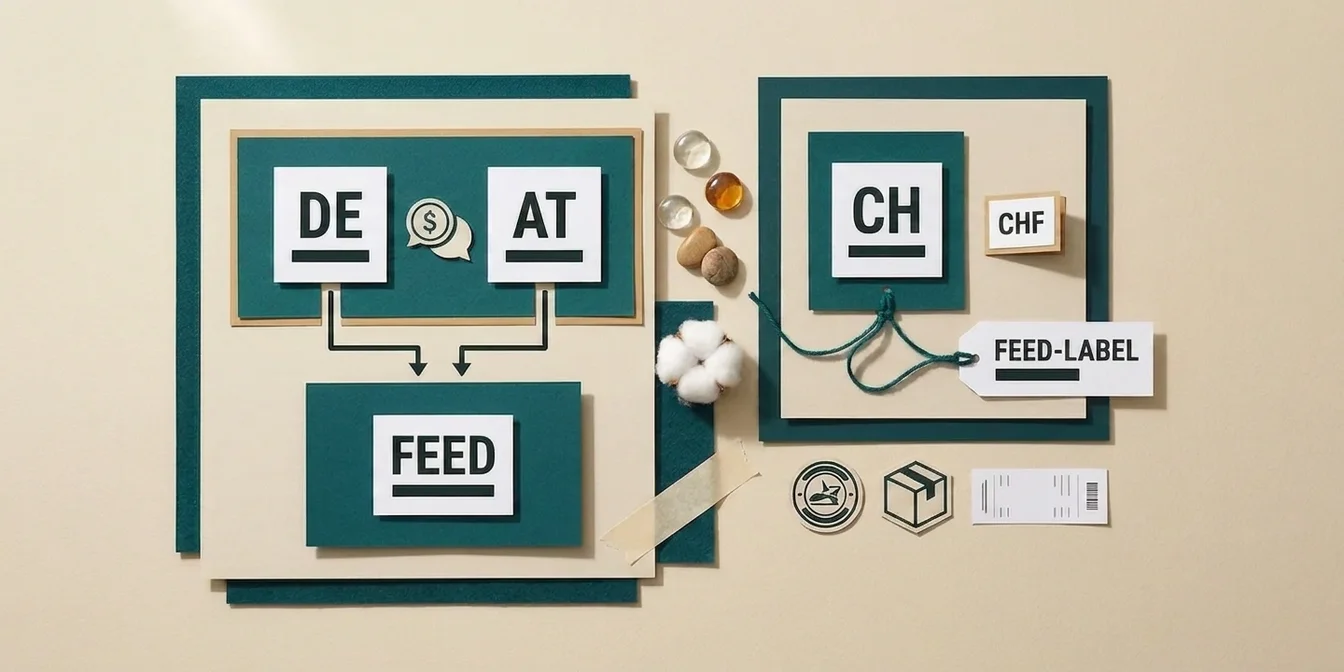
At the same time, the feed label has become the real organizing unit. Introduced in 2022 in the Content API to replace the target_country attribute, it's now the name you use to identify a data source across your entire Merchant Center account, typically a country code like US, UK, or DE. The feed label is also the bridge to your Google Ads campaign: every Shopping or Performance Max campaign binds to a feed label, not directly to a country.
That gives you the one decision every multi-country setup comes down to:
| Structure | When it fits | Example |
|---|---|---|
| One data source, multiple target countries | Same language and currency across target countries | A single English-language, USD-priced feed also targeting other USD markets (uncommon for most US merchants; real-world expansions usually land in one of the rows below) |
| Separate data source per country (own feed label) | Different language and/or currency | UK (GBP) alongside a Eurozone feed (EUR) |
The mistake we see most often: merchants bolt a second currency market onto an existing data source as just another target country. Google lets this through technically, because target countries aren't validated against language or currency, but it creates exactly the price mismatch that costs products further down.
Three Scenarios That Decide Your Feed Structure
Google treats adding a target country as one of three cases, and only one of them requires real extra work.
Same language, same currency. No extra setup. Add the second country under "Target countries" and your existing product data carries over unchanged. For a US base this case is uncommon in practice, since almost every other English-speaking market prices in its own currency instead of USD.
Same language, different currency. Google converts prices automatically, currency conversion is on by default the moment you add a target country in a different currency. If you don't want that, because the auto-conversion rate feels imprecise or you want deliberate local pricing, create a second data source with your own prices in the target currency instead.
Different language (almost always with different currency, too). Here a separate, translated data source is unavoidable. Title, description and every text attribute need to exist in the target language; Google does not auto-translate your feed.
For a US merchant, expanding into Canada or the UK typically lands you in the second case: same language, different currency. Push further into the Eurozone and you land in the third case instead, since the language changes too. Either way, currency shifts away from USD, and as the next section covers, tax handling diverges enough that forcing everything into one data source creates more problems than it solves.
The Cross-Border Tax Trap Most Guides Skip
Most setup guides treat "add a country" as a pure mechanics problem. For merchants expanding from a US base, the bigger risk sits in tax and pricing logic, for three reasons at once.
Different currency. The UK uses GBP, the Eurozone uses EUR, neither is USD. Automatic conversion works, but it reflects neither your actual pricing strategy nor exchange-rate swings reliably. For a country with its own feed label, a dedicated price list in the local currency is the more reliable choice.
Different VAT logic. UK VAT sits at 20% standard rate, most EU countries run their own standard and reduced rates on top of that, all independent of US sales tax, which isn't even charged the same way at checkout. Your feed's price value has to reflect the target country's tax logic, not your home-market logic, or it will diverge from the landing page by definition.
Customs and import fees. Selling from the US into the UK or EU means your shipments cross a customs border. That can trigger import fees you either bake into the displayed price or expose transparently through dedicated fee attributes. Skip this and the surprise lands on the customer at delivery, which is a fast way to generate a return.
Practical takeaway: give a market like the UK its own data source with its own feed label (UK, for instance), GBP pricing that includes UK VAT, and its own shipping service configuration. Markets that genuinely share both language and currency can keep sharing one data source with two target countries as long as pricing strategy stays identical too, though for a US base that combination is the exception rather than the rule.
Shipping, Tax, and the Price Mismatch That Kills Country Feeds Fastest
By far the most common reason a freshly configured country feed loses products is a price or availability mismatch between the feed and the landing page, which we cover in detail in our Merchant Center disapprovals guide. Multi-country setups raise that risk further, because every target country has to show its own correct combination of price, tax, and shipping cost.
Three points that get missed most often on a new country data source:
- Shipping costs in the same currency as the feed. The shipping service configuration for a target country has to be denominated in that country's feed currency, not your home currency. A UK data source priced in GBP with shipping costs still listed in USD will get disapproved.
- Price inclusive of the target country's tax, not your home market's. The
pricevalue has to reflect the target country's gross-price logic. For the UK that means 20% VAT baked in, not US sales tax logic carried over. - Google Ads geo-targeting has to match the feed label. Even a perfectly configured feed won't serve ads if the linked campaign targets a different country than the feed label defines.
For the full list of attributes you need per country beyond shipping and tax, see our Google Shopping feed attributes guide.
Step by Step: Adding a Second Target Country
- Open your data source setup. Under "Data sources," select the data source and click the pencil icon next to "Countries."
- Classify the case first. Check whether language and currency match your existing target country. If either differs, create a new data source instead of adding a target country to the existing one.
- Add the target country and, for a new data source, pick the correct language from the dropdown.
- Configure shipping services for the new country, denominated in that country's feed currency, covering every shipping tier.
- Verify pricing logic. Confirm
priceincludes the target country's tax and matches the landing page exactly. - Assign a clear feed label (
UK,EU-DE, whatever fits your structure) so campaign mapping in Google Ads stays unambiguous later. - Link the Google Ads campaign to the correct feed label and confirm the campaign's geo-targeting matches the target country.
Before you restructure an existing data source, it's worth reading our supplemental feed guide: a supplemental feed lets you test price and attribute changes risk-free before rolling them into the primary feed for a new country.
How FeedOptimizer.AI Keeps Multi-Country Feeds Clean
FeedOptimizer.AI optimizes titles, descriptions, and attributes per feed, not uniformly across every country at once. For multi-country setups, that's not a nice-to-have, it's what stops a UK data source from silently inheriting US pricing logic or US-flavored copy.
- Feed-accurate optimization: every data source, whether US, UK, or EU, is treated and optimized as its own feed.
- Per-country attribute completeness: missing required attributes like
shippingorgtinare detected and filled per feed, not just once for your home feed. - Supplemental feed approach: optimized values run through a supplemental feed. If Google rejects a value for one country, only that product in that country falls back to the original value, without touching your other country feeds.
, feed by feed, even if you're already selling into multiple countries.
Frequently Asked Questions
Do I need a separate Merchant Center account for each country?
No. A single Merchant Center account can manage multiple data sources with different target countries and feed labels. A separate account is only necessary in edge cases, such as fully separate legal entities per country.
What's the difference between a target country and a feed label?
The target country determines where your products are allowed to show. The feed label is the name you use to identify a data source within your account and link it to a Google Ads campaign. A feed label can match the country code, but doesn't have to.
Can I run the US and the UK from the same data source?
Google allows it technically, but it's not advisable. Different currency (GBP vs. USD) and different tax logic (UK VAT vs. US sales tax) almost guarantee a price mismatch the moment one value changes and the other doesn't get updated alongside it.
Does Google automatically convert prices into the target currency?
Yes, currency conversion is on by default the moment you add a target country in a different currency. For more control over final prices, create a second data source with your own fixed prices in the target currency instead.
How fast will Google show products in a new target country?
Usually within hours to a few days after correct setup and a successful review, provided the feed, landing page, and linked Google Ads campaign all agree. If visibility doesn't show up, a mismatched feed label in the campaign is the most common cause.
The Bottom Line: Three Countries, Three Decisions
A multi-country Google Shopping setup isn't a single click, it's three separate decisions per target country.
- Check whether language and currency actually match. Only then does one data source with multiple target countries make sense.
- Model tax and shipping logic per country exactly. A market with its own VAT rate and currency won't forgive inherited home-market pricing logic.
- Keep feed labels and campaign targeting in sync. The best feed in the world won't serve ads if the linked Google Ads campaign targets the wrong country.
Settle these three before your first upload, and you skip the rework that otherwise only shows up after the first wave of disapprovals.