Assigning a Product Category: The Short Answer
The Google product category (google_product_category) maps each of your products to a fixed node in Google's product taxonomy, a tree of more than 5,500 categories running up to seven levels deep. That single assignment decides which Shopping vertical your product lands in, which attributes become mandatory, and which searches Google even considers you for. You assign it by writing either the numeric ID or the full category path into the feed attribute, never both at once.
The catch: if you leave the attribute blank, Google guesses the category automatically from your title, description, and GTIN. And that guess goes wrong constantly on creatively named products. According to a Verde Media case study (2026), one product's CPC dropped from $2.10 to $1.35 after it was recategorized correctly, a 36% reduction. The wrong category isn't a cosmetic feed detail. It's a direct lever on your click costs.
Most merchants optimize titles and images and leave the category on Google's autopilot. But the category is the first thing Google reads to decide who you bid against. Classify one level too shallow, and suddenly you're competing with half of Amazon's catalog.
Dennis Gerich, Founder & CEO, FeedOptimizer.AI
Whether Google's autopilot has already misfiled part of your catalog is something you can check before you touch a single row. The free feed check scores the category assignment of every product alongside the rest of your feed data and shows where it is missing or too shallow.
What the Google Product Category Controls (and What It Doesn't)
Straight to it: google_product_category controls your Shopping vertical assignment and category-specific required attributes. It is not the same thing as product_type. Confuse the two, and you'll optimize the wrong field.
| Attribute | Who defines it | What it drives |
|---|---|---|
google_product_category | Google (fixed taxonomy) | Vertical routing, required attributes, auction relevance |
product_type | You (free text) | Campaign segmentation, a supplementary signal for Google, doesn't replace google_product_category's vertical routing |
The Google product category comes from a closed list that Google maintains. You can't invent one; you can only pick the most accurate existing node. That node routes your product into the right Shopping vertical and switches on the category-specific rules.
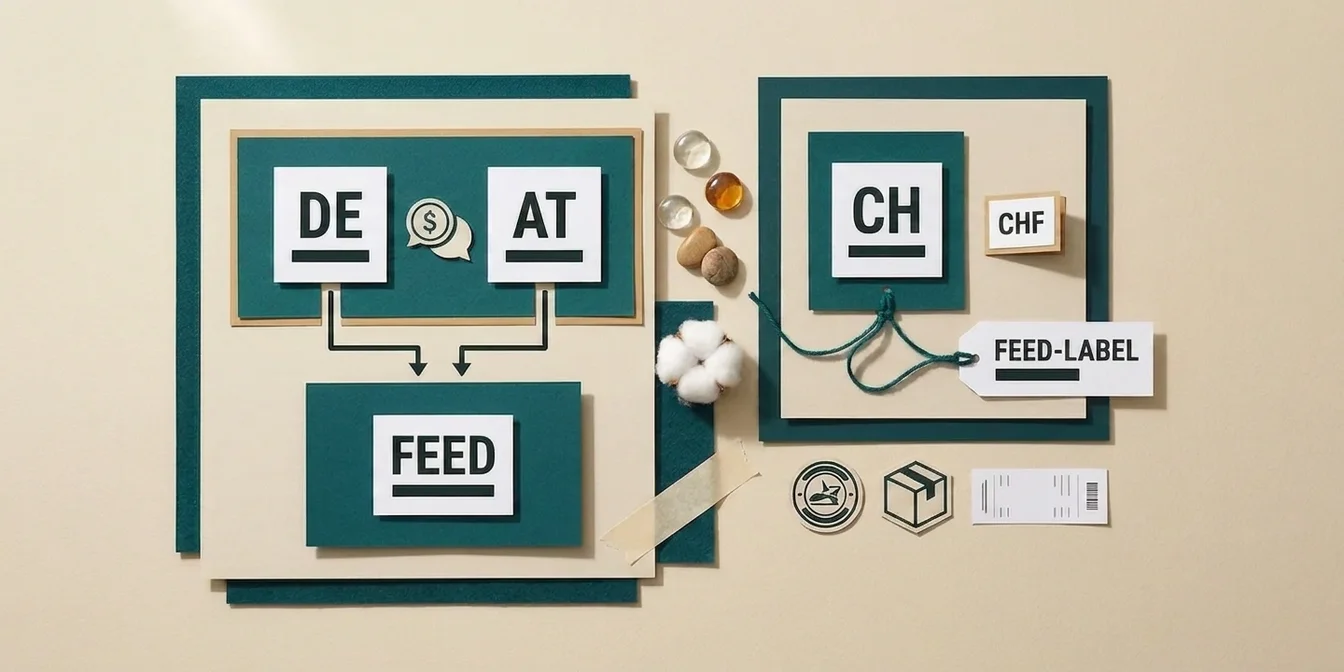
product_type, by contrast, is your own taxonomy, for example Home > Women > Dresses > Maxi Dresses. Google doesn't use it for vertical routing, but per its own help page, submitting it helps Google understand what you're selling and connect users with your products: valuable for segmenting your campaigns and as an extra signal. Both fields belong in a healthy feed; one doesn't replace the other. For the rest of the feed structure, see our overview of optimizing Google Shopping product titles.
How Google's Auto-Assignment Gets It Wrong
The answer first: leave the field empty and Google classifies automatically, using your title, description, GTIN, brand, and price. With literal titles, that often works. With marketing language, it fails.
A product titled "Midnight Velvet Breeze" gives Google no signal that it's a dark blue silk dress. The algorithm then reaches for the nearest, usually too broad, category, say "Apparel & Accessories" instead of "Apparel & Accessories > Clothing > Dresses." Per Google Merchant Center Help and feed specialists like DataFeedWatch, the consequences are:
- Missing required attributes go undetected because the too-shallow category never demanded them, until Google corrects course and disapproves your product.
- Visibility in irrelevant searches: your dress shows up next to products from a completely different segment and collects expensive, poorly converting clicks.
- Higher click costs, because you're bidding inside a broad, crowded vertical instead of your specific niche.
The single biggest lever against misclassification is, paradoxically, your product title: the clearer and more literal it names the product, the more reliably Google nails the category. Clean title and clean category are directly linked, which is why our guide to optimizing product descriptions matters here too.
How Deep Should You Categorize?
In short: as deep as the taxonomy accurately allows. The most common mistake isn't picking the wrong top-level category. It's stopping too early in the tree.
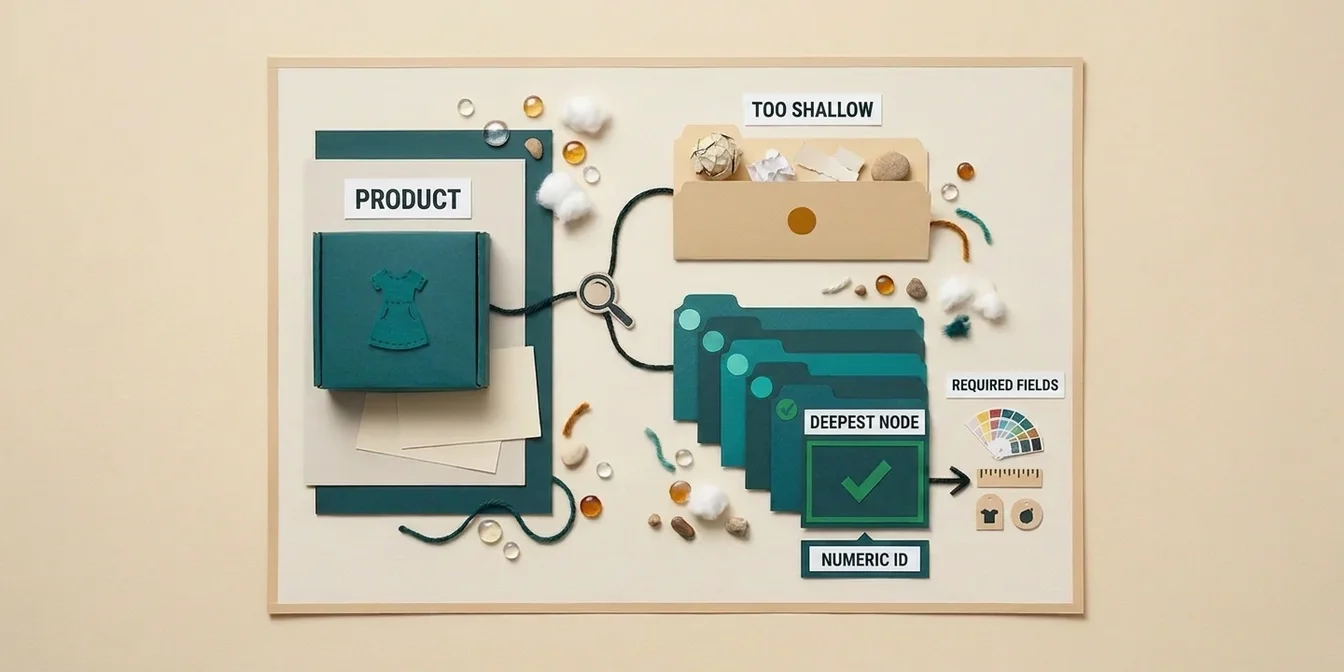
Google's taxonomy is hierarchical. "Apparel & Accessories" (level 1) is correct but worthless if your product actually belongs under "Apparel & Accessories > Shoes > Boots" (level 3). The more specific the node, the better Google understands purchase intent and the more precisely it matches queries. The Verde Media case study illustrates exactly this: physical-therapy resistance bands, first filed under "Sports & Fitness > Exercise Bands" at roughly $2.10 CPC, dropped to $1.35 CPC after moving to "Health & Beauty > Health Care > Physical Therapy Equipment." Same bands, same audience, a different node, 36% lower CPC, because competition in the specific category is thinner.
Rule of thumb: pick the deepest node that still accurately describes your product. But never force a product into a deeper category it doesn't belong in just to look specific. A wrong depth is worse than an honest, slightly shallower assignment.
Numeric ID or Text Path?
Recommendation first: use the numeric ID wherever you can. It's stable, language-neutral, and survives taxonomy updates.
Google accepts two formats for the attribute:
- Numeric ID, for example
1604for "Apparel & Accessories > Clothing." - Full text path, for example
Apparel & Accessories > Clothing.
Never submit both at once, that creates a conflict. The text path is error-prone: one typo, a wrong separator, or the wrong language, and the value is invalid, which triggers immediate disapproval. The numeric ID carries none of those risks. More importantly, when Google renames or restructures a category path, the ID still resolves correctly, while an old text path points to nothing. For catalogs you maintain programmatically, the ID is the more robust choice by a wide margin.
Step by Step: Finding the Right Category
How to actually do this: Google's Merchant Center Help links to the full, downloadable taxonomy file with every category and its numeric ID. Work through it in five steps:
- Open the taxonomy file linked from the Merchant Center Help page above.
- Search by product term, not marketing language. Use Ctrl+F (Cmd+F on Mac) for the literal noun that describes your product, for example "boots" or "dresses," not a campaign name like "Midnight Velvet Breeze."
- Pick the deepest matching node, not the first or broadest one that turns up. If both "Apparel & Accessories" and "Apparel & Accessories > Clothing > Dresses" match, the second wins.
- Copy the numeric ID next to that path, not the text path itself.
- Write only the ID into
google_product_category. Leave the text-path version out entirely.
Example: for the silk dress from earlier, searching "dresses" turns up several nodes. The deepest one that still fits, "Apparel & Accessories > Clothing > Dresses," is the right pick, not the broader "Apparel & Accessories" it would otherwise fall back to.
The faster route is our free Google Product Category Finder: type the product term, pick the deepest match, copy the ID with one click.
When Google Changes the Taxonomy: Keep Your Categories Current
Important, even without an active trigger: Google's product taxonomy rarely changes in practice, the official taxonomy file still carries the September 2021 version stamp. That can still change at any time, and when Google does ship an update, it occasionally renames categories or moves them within the tree. An officially communicated cutoff date after which renamed or restructured categories trigger disapprovals isn't documented anywhere in Google's own help pages, but this much holds: if Diagnostics in Merchant Center flags a category warning, fix it promptly before it hardens into a disapproval.
This affects you most if your feed hasn't been checked against the current taxonomy file in a while. Two concrete steps to take now:
- Open Diagnostics in Merchant Center and filter for category and attribute-value warnings. Deprecated categories usually surface there as a warning before they harden into an outright disapproval.
- Switch to numeric IDs if you're still using text paths. That makes you immune to future renames and spares you from re-mapping the whole feed on every taxonomy update.
If your account is already fighting disapprovals, it's worth reviewing the systematic causes in our guide to the most common Google Shopping feed errors in parallel.
The Chain Reaction: Category → Required Attributes → Disapproval
The link in one sentence: your category determines which attributes Google requires, and a missing required attribute causes a disapproval.
Assign a product to "Apparel & Accessories," and Google automatically switches on category-specific required fields: gender (male, female, unisex), age_group (adult, kids, newborn, infant, toddler), and color; for clothing and shoes, size as well. Miss one, and the product gets disapproved, not because of the category itself, but because of the attribute requirement the category triggered.
This causal chain explains why "wrong category" so often shows up as a seemingly unrelated attribute error in Diagnostics. So whenever you fix a category, check in the same pass that every newly required attribute is populated.
Maintaining Categories Across Thousands of Products
The honest answer: with ten products, you do this by hand. With thousands, you can't, and that's exactly where most misclassifications are born.
Manually mapping across 5,500+ possible nodes doesn't scale. Rule-based feed tools help, but they hit a wall the moment a title is ambiguous ("Apple" the brand vs. the fruit) or a product fits several plausible nodes. Static if-then rules then make the wrong call systematically. This is precisely where context-aware, per-product classification earns its keep.
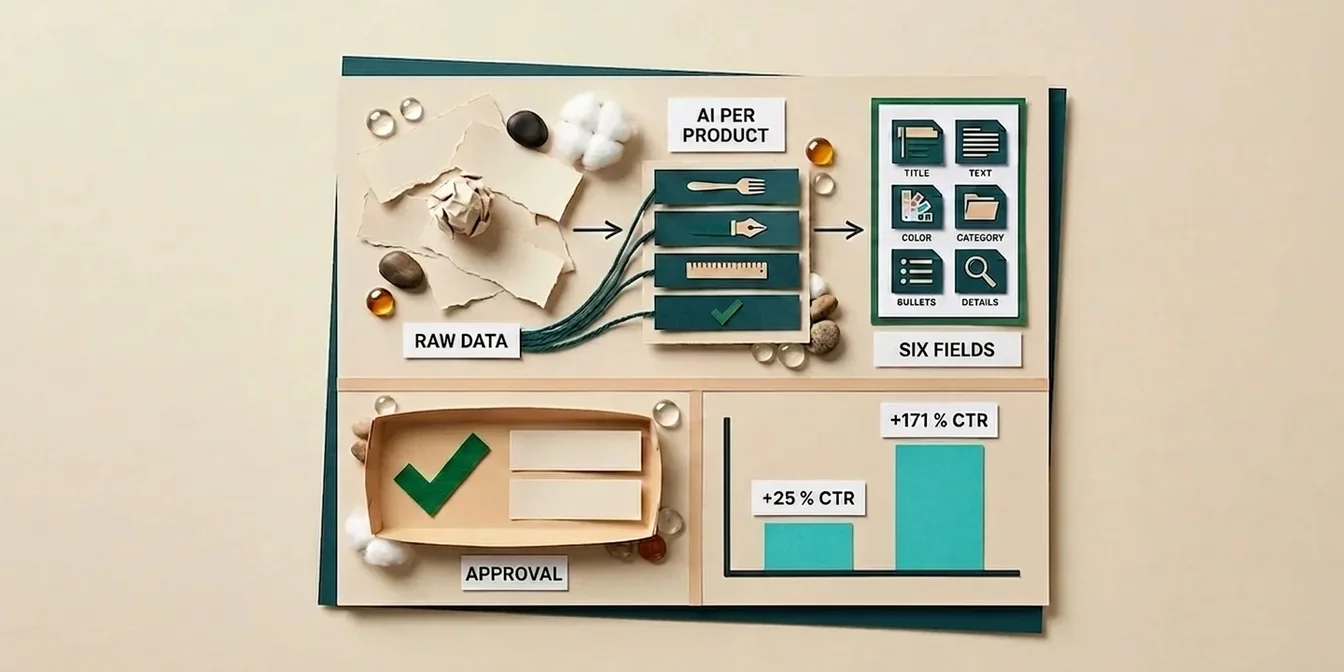
FeedOptimizer.AI classifies each product individually and category-by-category, rather than running it through a rigid rule table:
- Connect: link your Merchant Center via OAuth in two clicks.
- Assign: the AI reads each product's title, description, and attributes and picks the deepest correct taxonomy node, numeric ID included.
- Upload: the corrected categories land as a supplemental feed; your primary feed stays untouched and reversible at any time.
Because the assignment happens per product rather than through a blanket rule, it also nails the tricky cases where rule-based tools fall over. For how this AI approach compares to manual upkeep, see our article on AI-powered feed optimization. And if you're comparing feed tools more broadly, the feed management tools comparison 2026 will help you place them.
Frequently Asked Questions
What's the difference between google_product_category and product_type?
google_product_category comes from Google's fixed taxonomy and drives vertical routing and required attributes. product_type is your own free-form category path. It serves internal campaign segmentation and, per Google, acts as a supplementary signal that helps Google understand what you're selling; vertical routing still comes from google_product_category. Both fields belong in a healthy feed; one doesn't replace the other.
Do I even have to assign the category myself?
Technically no, Google assigns one automatically. But that autopilot often guesses the wrong, usually too broad, category on creatively named products. Since the category drives CPC, visibility, and required attributes, you should always set it deliberately on products that matter rather than leaving it to the guess.
Numeric ID or text path, which is better?
The numeric ID. It's language-neutral, immune to typos, and stays valid even when Google renames or restructures a category path. Never submit an ID and a text path at the same time. For programmatically maintained feeds, the ID is clearly the more robust choice.
How do I tell that a product is miscategorized?
Check Diagnostics in Merchant Center for category and attribute-value warnings. Other tells: a product shows up for irrelevant searches, has a conspicuously high CPC, or gets disapproved over missing attributes it wouldn't even need in the correct category.
How often does Google change the product taxonomy?
Rarely, and without warning: the current official taxonomy file still carries the September 2021 version stamp. When Google does ship an update, it occasionally renames categories or moves them within the tree, without announcing a fixed date in advance. That's why it's worth checking Diagnostics in Merchant Center for category warnings regularly, and if you're still on text paths, switching to numeric IDs so a future rename doesn't leave your feed pointing at nothing.
Conclusion
The Google product category is one of the most underrated feed attributes: before title or image, it decides who you bid against in the auction, which attributes become mandatory, and which searches you're visible for. The three biggest levers are quick to summarize. Categorize as deep as accuracy allows, use the stable numeric ID instead of error-prone text paths, and regularly audit your feed in Merchant Center Diagnostics for renamed or restructured categories. With a handful of products, you'll do this by hand; with a real catalog, per-product, context-aware assignment is the only approach that reliably nails the tricky cases too, instead of letting a rigid rule break on them.