
What Is a Good Google Shopping CTR, and How Do You Improve It?
The average click-through rate (CTR) for Google Shopping is 0.86% (WordStream, 2025). Anything above 1% is good, and above 1.4% is excellent. The Automotive Supplies category leads at 1.20%. You don't improve your CTR through bidding; you improve it almost entirely through the quality of your product feed: better titles, product ratings, strong images, and price annotations are the biggest levers.
This is the key difference from classic Search campaigns: Shopping ads have no ad copy you can freely write. What the shopper sees (title, image, price, review stars) comes 100% from your feed. Your CTR is a direct mirror of your feed quality. If you want to lift clicks, you optimize the data, not the campaign settings.
With Search, you buy clicks with ad copy. With Shopping, you earn them with feed quality. Anyone trying to fix CTR by raising bids just pays more for the same mediocre listings.
– Dennis Gerich, Founder & CEO, FeedOptimizer.AI
Where CTR Sits in the Funnel
CTR measures one step only: impression to click. It's not the same as conversion rate (click → purchase) or ROAS (revenue / ad spend). A high CTR without purchase intent can even burn money, so you always optimize CTR in the context of downstream metrics. We break down how these connect in our guide to calculating Google Shopping ROI.
Still, CTR is the first real quality signal: a product shown often but rarely clicked has a relevance or appeal problem in its listing. Finding and fixing those listings is what this guide is about.
Finding them by hand across a few thousand products is the slow part. The free feed check scores every product in your feed and points at the weak titles, thin descriptions and missing attributes that hold your click rate down, so you know which listings the levers below apply to first.
Lever 1: Product Titles, the Biggest CTR Driver
The title is the single biggest lever for your CTR. Optimized titles increase impressions by 15–30% and CTR by 10–20% (Passionfruit, 2026). The reason: Google uses the title to match your product to search queries, and the shopper reads it first.
Order is everything. Google allows up to 150 characters, but only the first 70 characters are visible in most Shopping formats. The bulk of your CTR depends on what appears before truncation. The most important purchase criteria (brand, product type, key attribute) belong up front.
The proven title formula:
- Position 1–70: Brand + model + product type + key attributes (color, size, material)
- Position 71–150: Secondary keywords, model year, variant codes: for Google's algorithm, not the eye
Bad: "Women's Running Shoes Blue" (no brand, no model, no purchase criteria) Better: "Nike Pegasus 41 Women's Running Shoes Blue Size 8 Road Cushioning, Breathable, 2026 Model"
The first 70 characters here cover brand, model, product type, gender, color, size, and the key feature. Secondary keywords like "breathable" or "2026 model" sit deliberately behind them, where they count only for matching and get truncated anyway. Exact search query matches in the title pay off measurably: they raise relevance and noticeably lift click likelihood. The full playbook is in our product title optimization guide.
Lever 2: Product Ratings, the Underrated Click Magnet
Review stars are one of the strongest CTR levers, period. A six-year Google case study showed that once the majority of eligible products carry ratings, CTR rises by about 5%. Other data goes much further: a Yotpo analysis found an average 24% CTR lift for Shopping ads with ratings.
Why so strong? The stars are often the only social signal right in the listing. A product with 4.7★ and 230 reviews stands out in a row of starless competitors, even at a higher price. Listings with ratings get 10–20% more clicks, and the effect is larger for 4.5★+ (eevy.ai, 2026).
How to activate review stars:
- At least 50 reviews across all products (Google's threshold)
- Collect reviews via Google Customer Reviews or a certified third party (e.g., Yotpo, Trustpilot)
- Keep GTINs clean, as they link your reviews to the right product
- Submit the review feed in Merchant Center
The side effect: rating-driven traffic is pre-qualified. Shoppers who click a well-rated listing arrive with more trust and convert better.
Lever 3: Product Images, the Visual First Impression
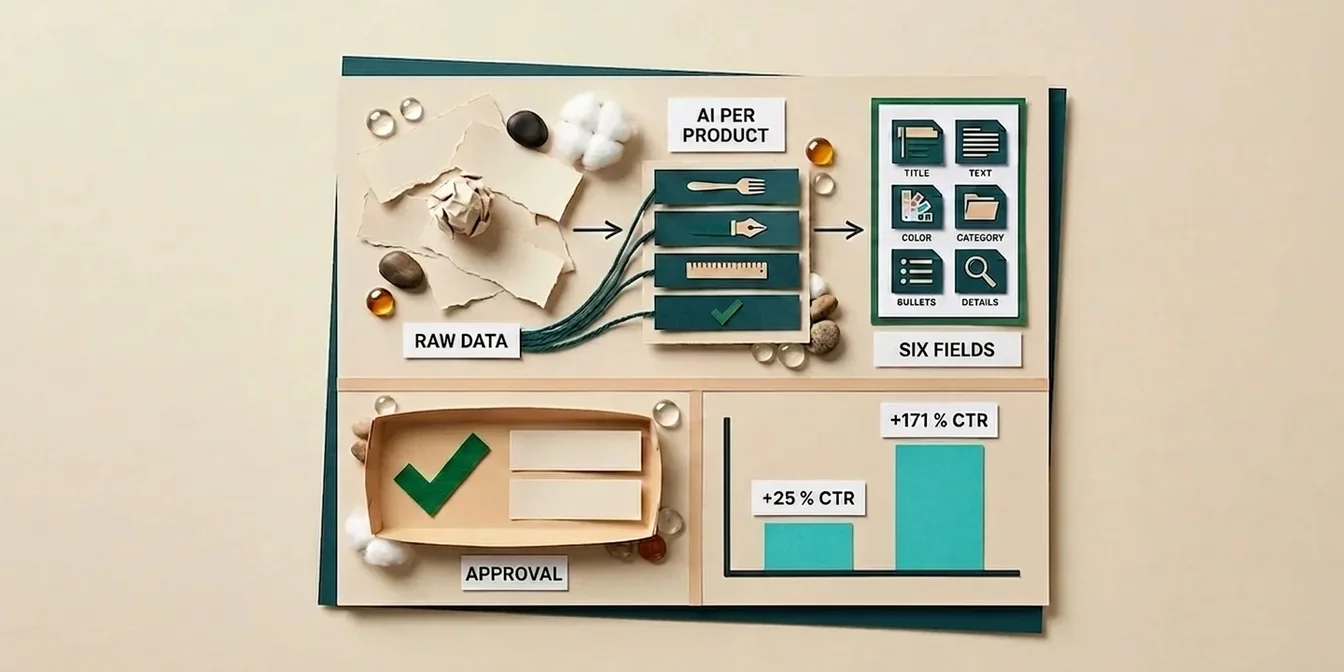
Alongside price, the image is the first thing the eye lands on in the Shopping grid, and a massive CTR factor. A clean main image on a white background lifts CTR by about 25% compared to cluttered or cropped images (nightjar, 2026).
But white background is just the baseline. The real edge comes from lifestyle images: products with additional lifestyle shots (via additional_image_link or lifestyle_image_link) show the product in context and can lift CTR, especially in fashion, beauty, and home.
Image checklist for maximum CTR:
- Main image: pure white background (#FFFFFF), product fills 75–90% of the frame
- Google recommends 1500 x 1500 px; a 500 x 500 px minimum takes effect January 31, 2027
- 2–3 additional images: detail view + lifestyle shot in real use
- No watermarks, logos, text, or promotional badges, since Google rejects them
Since Performance Max serves the same images across all channels, a strong image works multiple times over. More on that in our Performance Max feed quality guide.
Lever 4: Price and Discount Annotations
Price annotations are a visual buying signal that Google overlays on the listing automatically, and they work. Analyzed Merchant Excellence case studies show that price-based annotations (e.g., the strikethrough original price next to the sale price) lift CTR on affected products by nearly 8%.
The strikethrough price is an attention anchor: it signals a deal without the shopper having to do the math. For Google to trigger the annotation, the discount must be genuine and stable over a minimum window.
How to use annotations:
- Set
sale_priceandsale_price_effective_datecorrectly in the feed - Feed prices must match the landing page exactly (or you'll get disapprovals)
- Maintain the regular price for at least 30 days (within the past 200 days) before the sale price applies
Strategic promotions (e.g., "10% off," "Free shipping") improve CTR by an additional 5–10% and create urgency (ROI Revolution). Note that in the US, prices are shown pre-sales-tax; price consistency between feed and landing page is what matters for approval.
Lever 5: GTINs and Product Identifiers
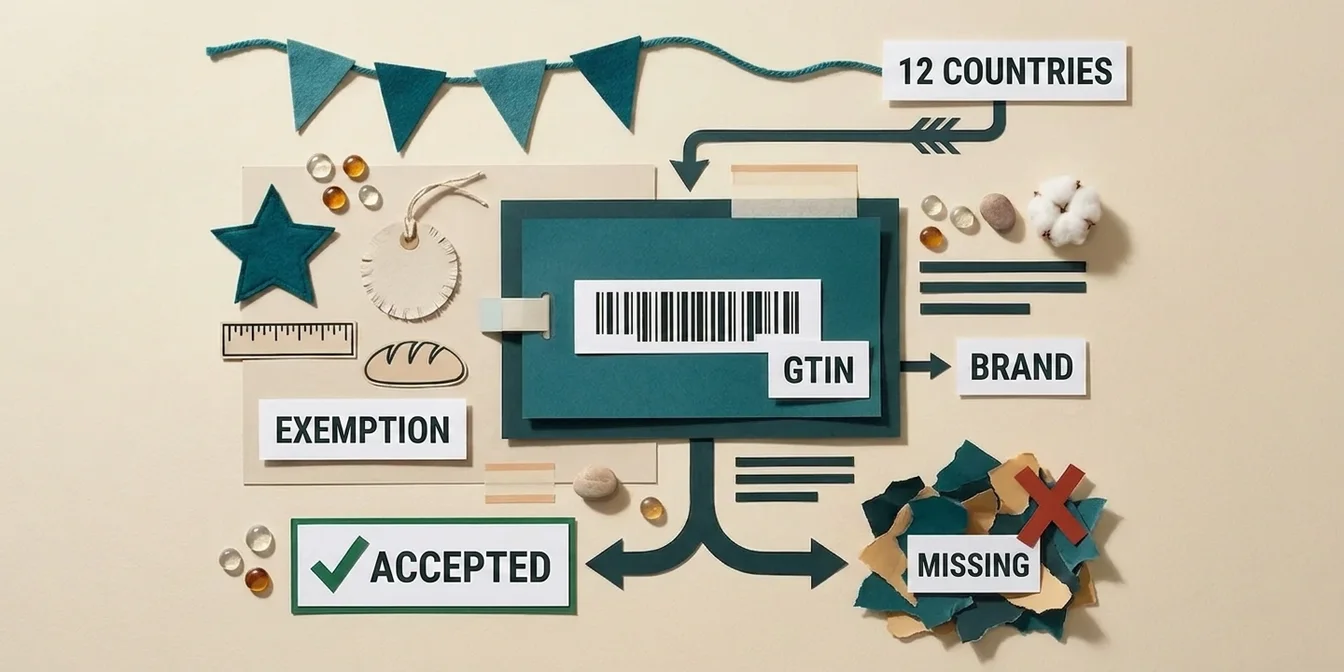
Correct GTINs (UPC/EAN) don't just improve matching; they improve auction performance: products with correct GTINs perform 20–40% better in Shopping auctions than identical products without an identifier (Passionfruit, 2026).
GTINs are the prerequisite for several CTR-boosting features: price comparisons, linking reviews to the right product, and enhanced Shopping functionality. Without a GTIN, your product loses these visibility boosters, and therefore clicks.
How to get your GTINs in order:
- Identify missing GTINs in Merchant Center under Diagnostics (the "Missing GTIN" warning)
- Source correct GTINs from the manufacturer or the UPC/EAN barcode on the packaging
- Never invent GTINs or copy them from another product, since wrong identifiers cause disapprovals
- For genuinely GTIN-less products (private label, handmade), leave the field empty rather than guessing
More impressions = more chances to click: a fully optimized feed with correct attributes, clean GTINs, and keyword-rich titles can expand impression share by 40–60%, all without changing bids. More impressions at the same or better CTR mean more total clicks.
Lever 6: Descriptions and Attributes for Better Matching
The product description isn't visible in the listing, but it influences which search queries your product appears for at all. The more relevant the match, the higher the CTR, because a product that fits the search intent is more likely to be clicked.
An information-dense description with long-tail keywords expands the queries you match while filtering out irrelevant impressions (which drag down your CTR). Our guide to optimizing product descriptions shows how to do it right.
How to make the description matching-strong:
- Put the main keyword and core benefit in the first two sentences, since Google weights the opening of the description more heavily
- Include the long-tail variants real buyers search for: "waterproof men's hiking boots with Gore-Tex" instead of just "hiking boots"
- Concrete facts over fluff: material, dimensions, compatibility, typical use case
- List only features that are true, because invented attributes generate irrelevant impressions and lower your CTR
The same applies to structured attributes like color, size, material, gender, and google_product_category. They ensure your product is shown to the right shoppers, since relevant impressions with real purchase intent click better.
Lever 7: Feed Hygiene and Continuous Monitoring
Even the best feed loses CTR when errors go unnoticed. Disapproved products drop out of auctions, stale prices cause rejections, and out-of-stock items waste impressions.
Weekly feed routine:
- Merchant Center → Diagnostics: check for disapprovals and warnings
- Keep the disapproval rate under 2%
- Update the feed at least daily, ideally multiple times a day
- Sync availability and prices with your store
Even a few disapproved products can drag down account quality. For the most common errors and how to fix them systematically, see our guide to Google Shopping feed errors.
How FeedOptimizer.AI Lifts Your Google Shopping CTR Systematically
Six of the seven levers are feed levers, and those are exactly the ones you can't maintain by hand across hundreds or thousands of products. FeedOptimizer.AI optimizes your feed automatically with AI and delivers the improvements as a supplemental feed, without touching your original feed:
- Title optimization: AI builds titles to the 70-character rule: the most important keywords first, in the right order
- Description optimization: Unique, keyword-rich copy instead of generic manufacturer text, for better query matching
- Attribute completion: Color, size, material, and category filled automatically so you earn relevant impressions
- Quality Score dashboard: See at a glance which products are leaving CTR on the table
- Before/after comparison: Measure the CTR effect of every optimization
The Workflow in 3 Steps
- Connect your feed: Link Merchant Center, select your feed
- Let AI optimize: Titles, descriptions, and attributes in one pass
- Review and upload: Review in the Workbench, deliver as a supplemental feed
See plans and pricing on the pricing page.
To see exactly where your CTR levers are, run the free feed check for a per-product breakdown.
Frequently Asked Questions
What is a good CTR for Google Shopping?
The average Google Shopping CTR is 0.86% (WordStream, 2025). Above 1% is considered good, and above 1.4% excellent. CTR varies widely by industry: Automotive Supplies leads at 1.20%, while technical or high-ticket categories often sit lower. Always compare your CTR to your own industry benchmark, not the overall average.
Why is my Google Shopping CTR so low?
The most common causes are feed-side: generic titles without purchase-relevant keywords, missing product ratings, weak or cropped images, missing price annotations, and incomplete attributes. Overly broad matching from missing attributes can also generate irrelevant impressions that mathematically lower your CTR. Check titles, images, and ratings first: they have the biggest lever.
Does a higher bid increase CTR?
No, not directly. A higher bid can bring more impressions and better placements, but it doesn't change how appealing your listing is. CTR depends on how compelling your title, image, price, and ratings are, that is, on feed quality. Trying to fix CTR with bids just pays more for the same mediocre listings.
How fast do CTR optimizations take effect?
Initial effects are often visible within 7–14 days, once Google reprocesses the optimized feed. Title and image changes usually work fastest. Review stars take longer because you first need to collect enough ratings. Measure the effect over at least 14 days to filter out noise.
Which lever delivers the biggest CTR lift?
In practice, product titles and ratings deliver the most reliable jumps: optimized titles +10–20% CTR, review stars up to +24%. Both apply to virtually every product and are immediately visible in the listing. The ~25% image effect, by contrast, measures the jump from a weak (cluttered, cropped) image to a clean one, so it only applies where the image was genuinely poor to begin with. The biggest overall impact comes from combining all levers, not optimizing just one.
Conclusion: CTR Is a Feed Discipline
Your Google Shopping CTR isn't a campaign setting; it's the result of your feed quality. The key takeaways:
- 0.86% is the average: above 1% is good, above 1.4% excellent. Benchmark against your industry.
- Titles and ratings are the biggest levers: +10–20% and up to +24% CTR.
- Images deliver around 25% over a weak starting image, price annotations and promotions another 5–10% each.
- GTINs and complete attributes earn relevant impressions and auction advantages.
- Feed hygiene protects your gains: check Diagnostics weekly.
Start with your highest-revenue products: optimize their titles, activate ratings, and add lifestyle images. The CTR effect will be measurable within two weeks.